When you launch an omnichannel marketing campaign, you expect a clear picture of your ROI.
One Campaign, Many Promotional Channels
You have worked hard.
- Email is ready.
- Facebook ads are live.
- Instagram is running.
- TikTok is A/B testing creative.
- LinkedIn is targeting your B2B audience.
- SMS is scheduled.
- Display banners are placed.
But when you open Google Analytics 4, instead of seeing a clean story, you are met with a fragmented reporting mess.
Why GA4 Cannot Give you a Unified Report About Your Omnichannel Campaign
Every promotional platform allows you to enter your own custom campaign id. But if you don't do that, it will auto-generate its own campaign ID.
So when you try to import all your channel stats into GA4 to calculate your costs, it's tough to reconcile all these disparate sources. Your traffic is there, your conversions may be there, but the bigger question is suddenly much harder to answer:
How much did this campaign actually cost — and what did it return?
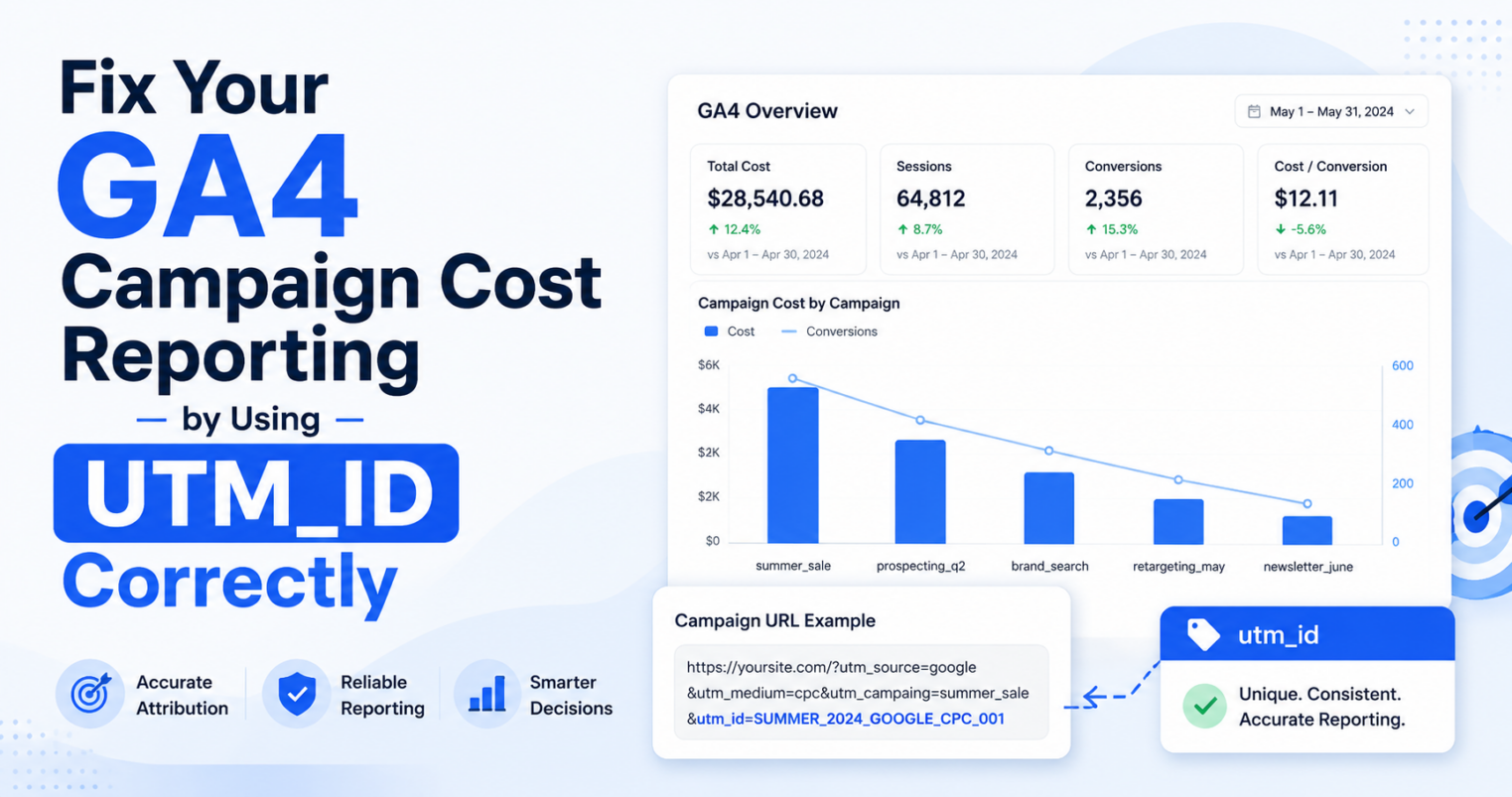
Setting up GA4 campaign cost reporting across every channel can be incredibly frustrating. If you track incorrectly, your omnichannel data splits into hundreds of messy rows.
That is where utm_id matters.
What Is utm_id?
utm_id is the immutable, canonical Campaign ID that does not change, regardless of whether the campaign is promoted on X, Snapchat, or Facebook. In GA4, it helps connect campaign activity with imported campaign cost data.
In simple terms, utm_id is the master campaign identifier that tells GA4:
These clicks, sessions, conversions, revenue, and costs belong to the same campaign.
Example:
utm_id=CMP-00982-A3B2This is different from your other UTM parameters:
utm_source=facebook
utm_medium=paid_social
utm_campaign=summer_sale_2026
utm_content=video_ad_blue_button
Your source and medium explain where the traffic came from. Your content explains the ad, creative, or placement. But utm_id gives the campaign one stable ID for cost and performance matching.
The Mistake: Letting Every Platform Create Its Own utm_id
Paid media platforms often allow dynamic URL values. Meta, Google Ads, LinkedIn, TikTok, and other platforms can insert their own campaign IDs, ad IDs, ad set IDs, and placement values into tracking links.
Those platform IDs are useful — but they should not become your master utm_id for an omnichannel campaign.
Here is the messy setup:
Google Ads:    utm_id=google_campaign_123
Meta Ads:      utm_id=meta_campaign_456
LinkedIn Ads:  utm_id=linkedin_campaign_789
TikTok Ads:    utm_id=tiktok_campaign_222
Email:         utm_id=email_001
SMS:           utm_id=sms_002
QR Code:       utm_id=qr_003
At first, this looks organized. Every platform has an ID.
But for campaign-level reporting, it creates a problem:
One campaign now looks like many different campaigns.
That makes it harder to reconcile campaign cost, compare performance, and understand total ROI or ROAS.
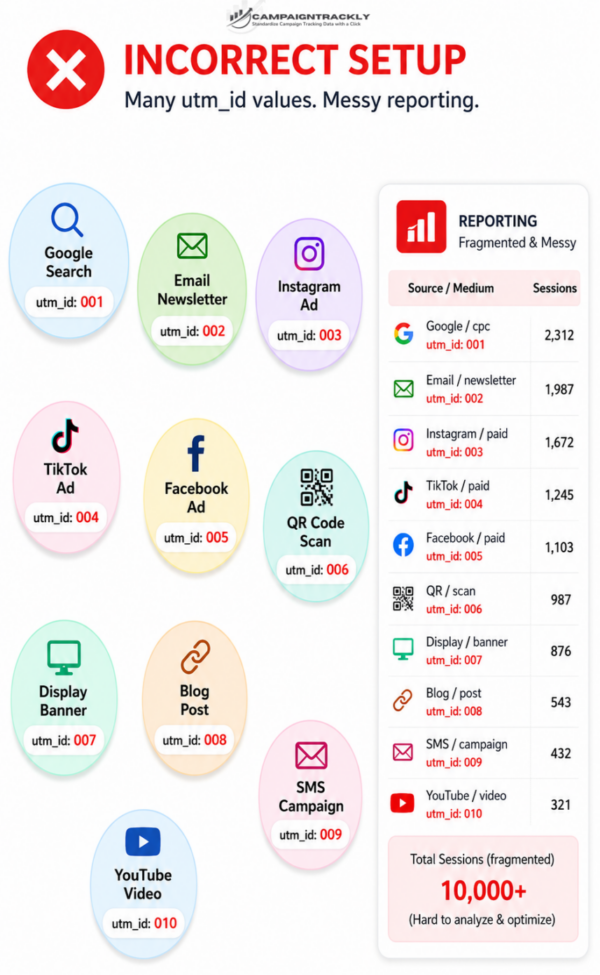
Incorrect setup: one campaign split into many unrelated utm_id values.
The Better Way: One Campaign, One utm_id
Instead, create one governed campaign ID and use it across every channel.
utm_id=CMP-00982-A3B2Then use that same value across your campaign touchpoints:
Email:        utm_id=CMP-00982-A3B2
Facebook:     utm_id=CMP-00982-A3B2
Instagram:    utm_id=CMP-00982-A3B2
TikTok:       utm_id=CMP-00982-A3B2
LinkedIn:     utm_id=CMP-00982-A3B2
SMS:          utm_id=CMP-00982-A3B2
QR Code:      utm_id=CMP-00982-A3B2
Display Ad:   utm_id=CMP-00982-A3B2
Now every source and medium can still be reported separately, but the campaign has one shared identifier for cost and performance analysis.
One campaign. One immutable utm_id. Every channel aligned. Easy to Calculate ROI.
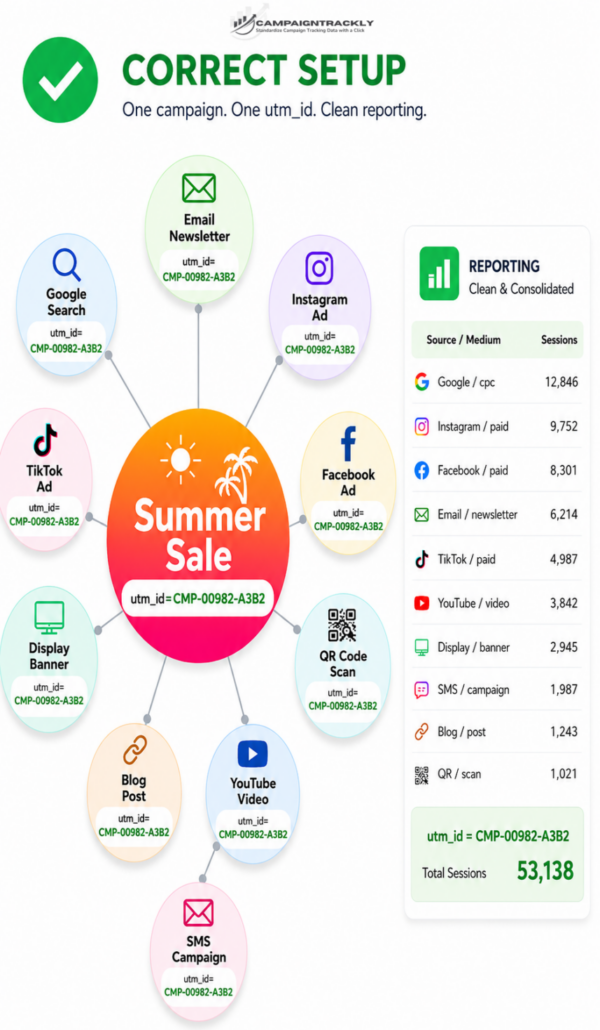
Correct setup of your omnichannel program – all paid channels have the same utm_id allowing to sum up all costs quickly
Where Should Ad IDs Go for Paid Platforms?
You should still capture platform-specific IDs to ensure granular reporting. Just place them in the right fields and tracking tags.
For example, in Meta you might use:
utm_source=facebook
utm_medium=paid_social
utm_campaign=summer_sale_2026
utm_id=CMP-00982-A3B2
utm_content=
In this setup, utm_id identifies the campaign, while utm_content captures the individual ad.
That gives you both levels of reporting:
- Campaign-level cost reporting through
utm_id - Ad-level detail through
utm_contentor custom platform parameters
The Simple Rule
Use
utm_idfor the campaign and cost matching. Use other UTM parameters for the details.
Do this:
utm_id=CMP-00982-A3B2
utm_source=facebook
utm_medium=paid_social
utm_content=
Do not do this:
utm_id=Why? Because identifies the ad, not the omnichannel campaign. If you use ad-level IDs as your campaign ID, you turn one campaign into hundreds or thousands of fragmented reporting rows.
Final Takeaway
Clean GA4 cost reporting does not happen by accident. It starts before the campaign goes live, when your tracking structure is designed correctly.
If you want to measure campaign cost and performance across Meta, TikTok, LinkedIn, Google Ads, email, SMS, QR codes, and more, do not let every platform create its own master campaign ID.
Create one governed
utm_id by campaign.
Use it for all channels, even the organic once – to associate campaign overall costs wirth attribution when your analytics team calculates MROI.
utm_id=CMP-00982-A3B2- One campaign.
- One omnichannel
utm_id. - Cleaner GA4 cost reporting.
- Less manual cleanup and errors.
Want to stop fragmented campaign tracking before it starts?
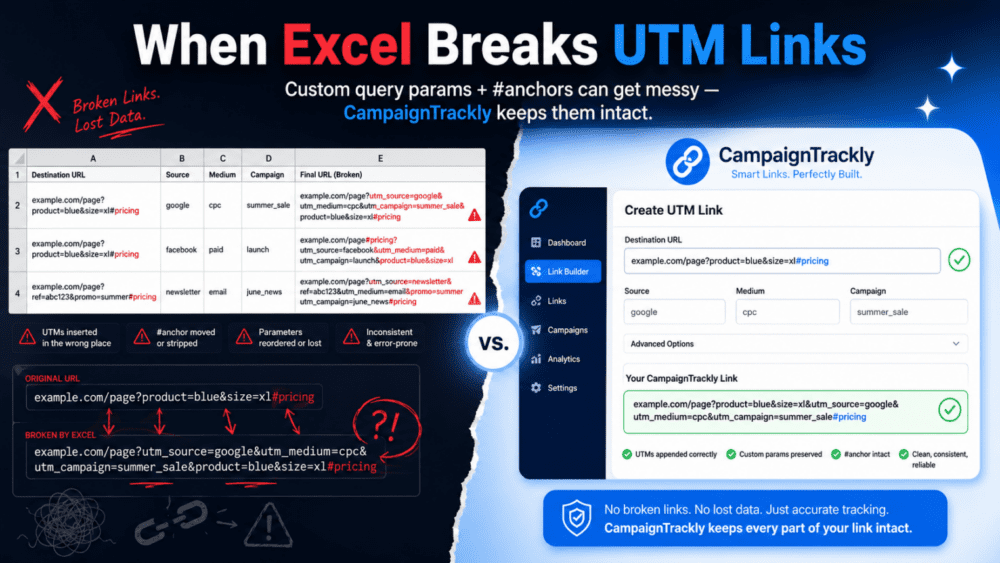
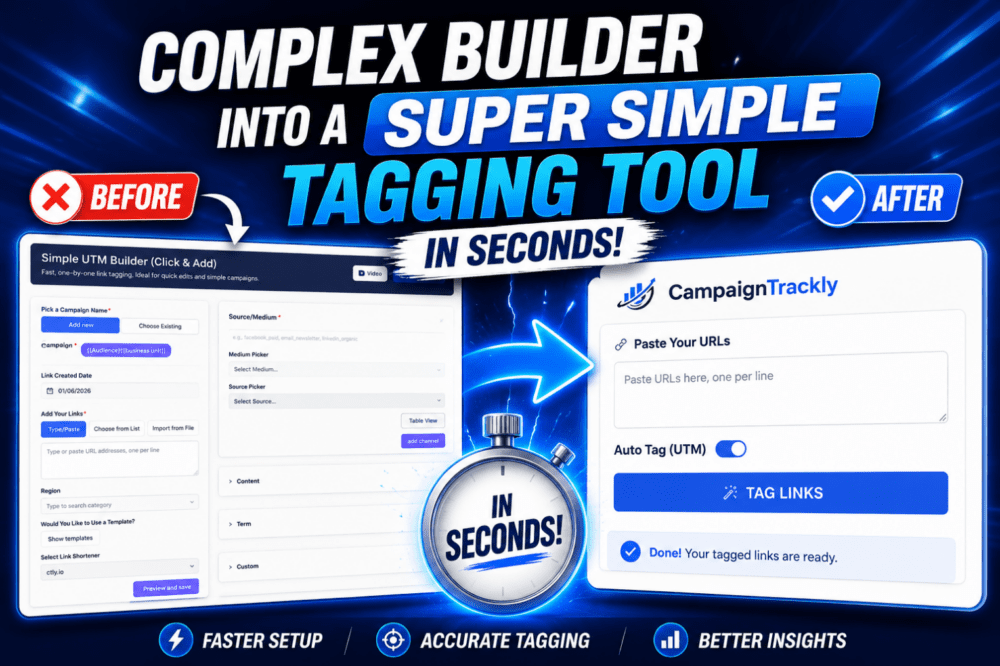
CampaignTrackly helps teams generate governed UTM links, control campaign IDs, and keep omnichannel reporting clean from the start.