
UTM Tracking Training: Become a Pro in UTM Tags and Campaign Analytics.
All the resources you need to become a UTM pro and get ready for the CampaignTrackly UTM Tracking Certification.
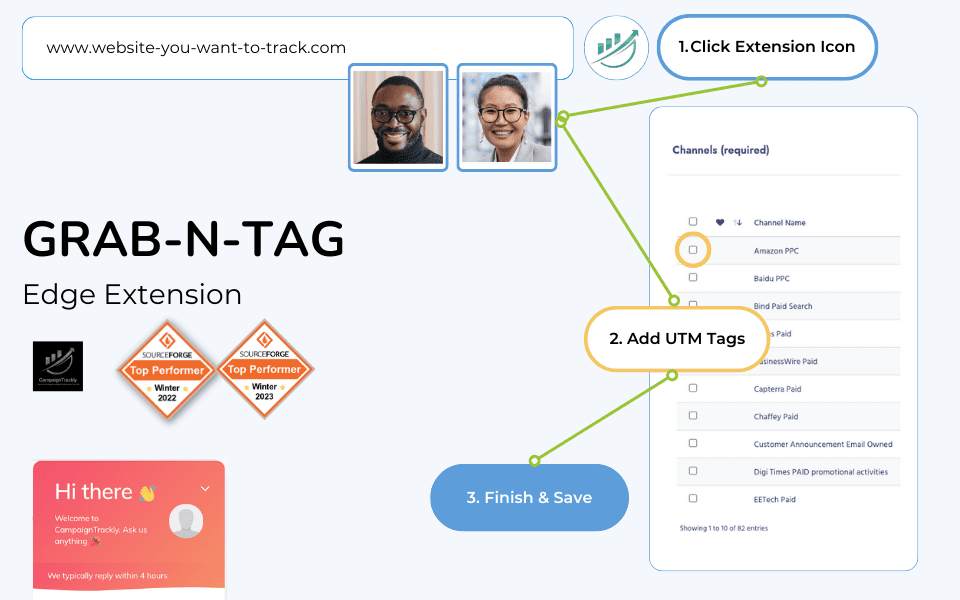
Section #1. What are the Must-have UTM Tags
Section #2. Why They Matter? How to Build and Add UTM Codes/Tags?
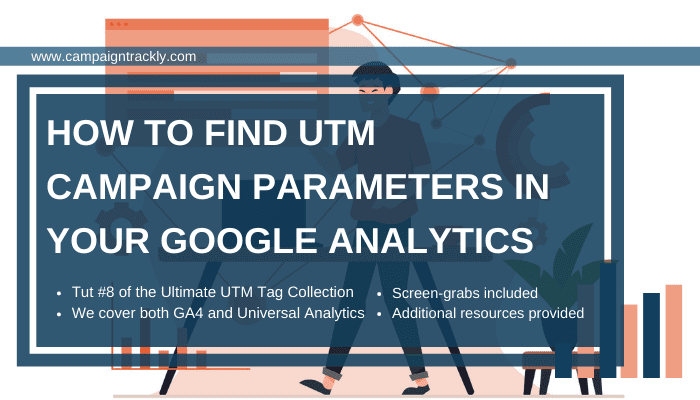
Section #3. When to Use UTM Parameters and Where to Find them in GA?
Section #4. Let’s Start Building and Measuring




1. What is UTM tracking?
UTM tracking is a method of adding tracking tags (UTM parameters) to the end of a URL so you can identify where website traffic comes from, how users found your content, and how your marketing campaigns perform in analytics tools like Google Analytics.
2. What does UTM stand for?
UTM stands for Urchin Tracking Module, a naming convention from the original analytics software that was acquired by Google and integrated into Google Analytics.
3. Why is UTM tracking important for marketing campaigns?
UTM tracking helps marketers measure the performance of campaigns, understand which channels drive traffic, improve ROI reporting, and optimize future efforts by attributing traffic and conversions to specific campaigns.
4. What are the essential UTM parameters I should use?
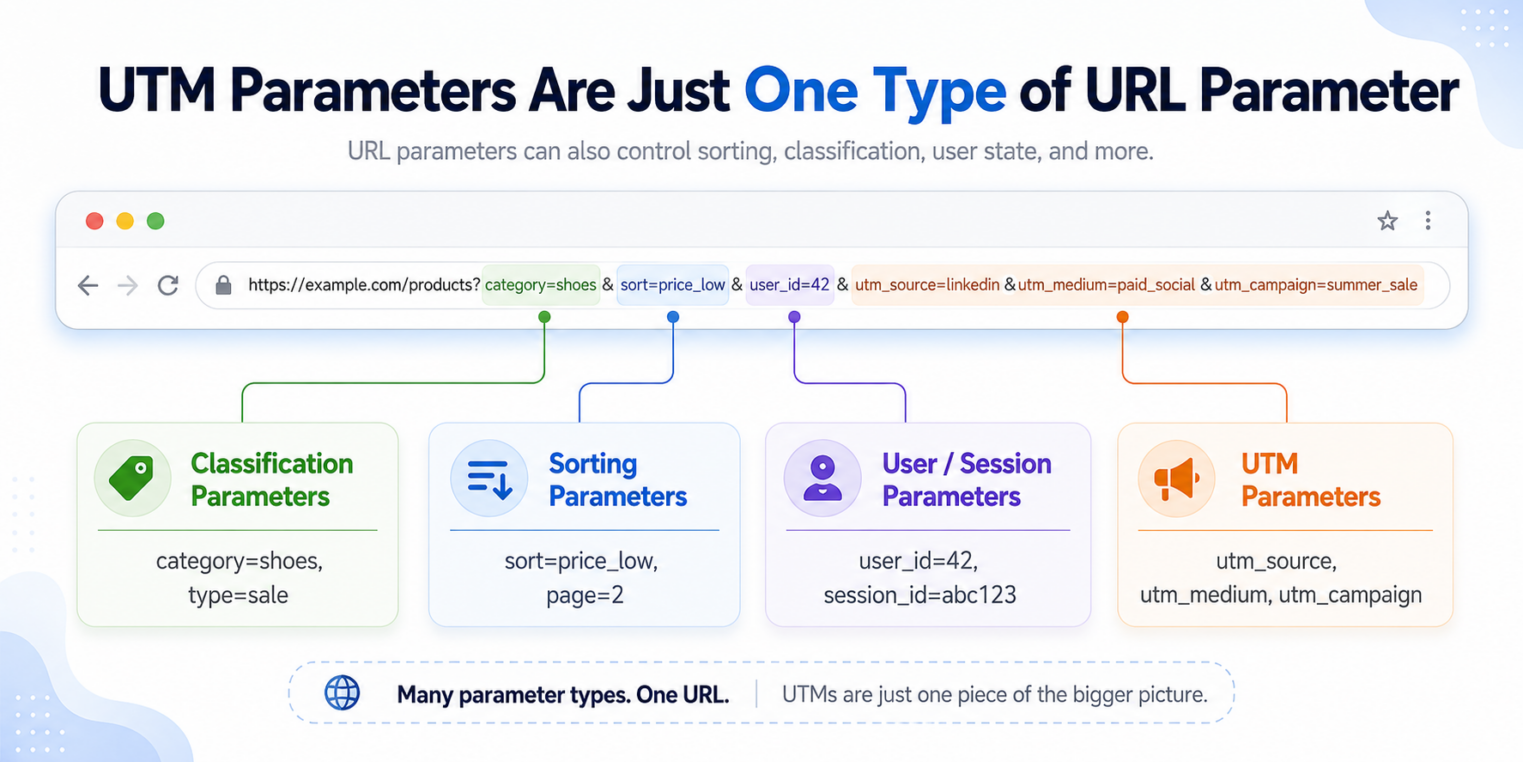
The core UTM tracking parameters are:
-
utm_source (where the traffic comes from)
-
utm_medium (how the traffic got to you)
-
utm_campaign (which campaign the traffic belongs to)
Optional parameters include utm_term (for keywords) and utm_content (for differentiating similar ads or links).
5. How do I create UTM tracking links?
You can manually construct URLs with UTM parameters, use tools like Google’s Campaign URL Builder, or use a UTM link builder like the one in CampaignTrackly to automate creation and enforce consistent naming.
6. Where do I find and analyze UTM tracking data in analytics platforms?
In Google Analytics 4, UTM tracking data appears under Reports → Acquisition → Traffic acquisition. You can view dimensions like session source/medium or session campaign to analyze your tracked traffic.
7. Can UTM tracking links affect my website’s performance?
No — UTM tracking parameters simply append text to a URL to capture source data. They don’t impact page load speed or user experience.
8. Should I use UTM tracking for internal links?
No. Adding UTM tracking to internal links can overwrite the original campaign source and distort your analytics data.
9. Why should I standardize UTM tracking naming conventions?
Consistent lowercase naming and standardized tag values ensure that analytics tools don’t split identical traffic sources into separate entries (e.g., “Email” vs “email”), which keeps your tracking data clean and actionable.
10. How can CampaignTrackly help with UTM tracking?
CampaignTrackly’s UTM tracking tutorials and tools help you learn how to build, manage, and scale UTM tracking processes with automated URL builders, quizzes, and strategy guides — making consistent tracking easier across teams.
We are happy to support you!
Support Email
talk to our agent







