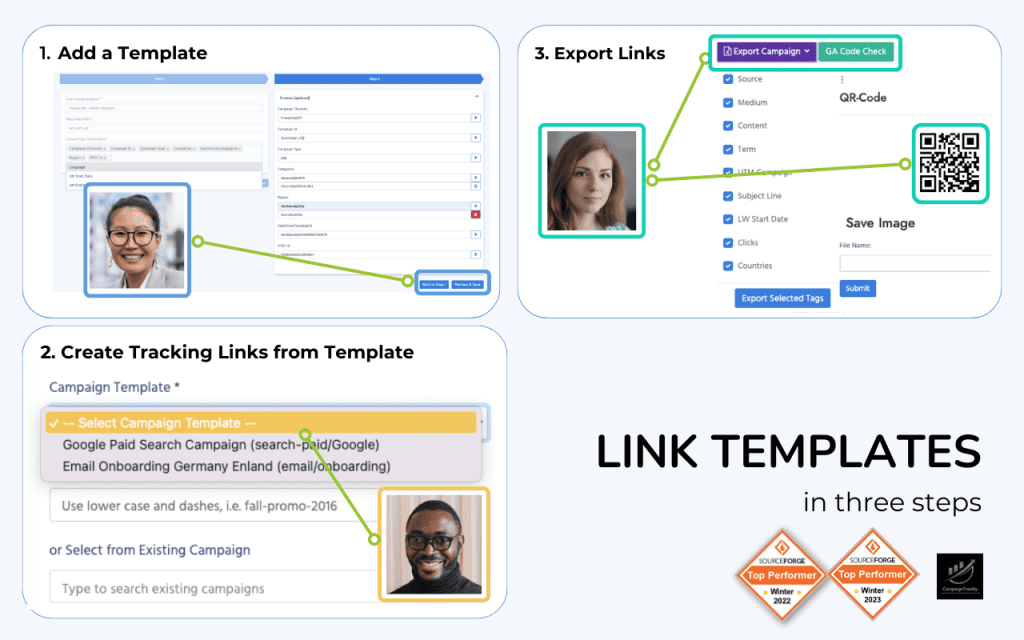
Integrations & workflow products
Campaign tracking integrations.
Fewer handoffs. Fewer errors.
Reduce handoffs between people and platforms. CampaignTrackly connects your campaign data, collects the inputs each step needs, and delivers governed tracking links, metadata and assets—saving time and minimizing manual errors.
- Secure one-click connections
- No developer time from your team
- Fully supported workflows
See how we connect with your preferred platform and build workflows around your process.
app connections
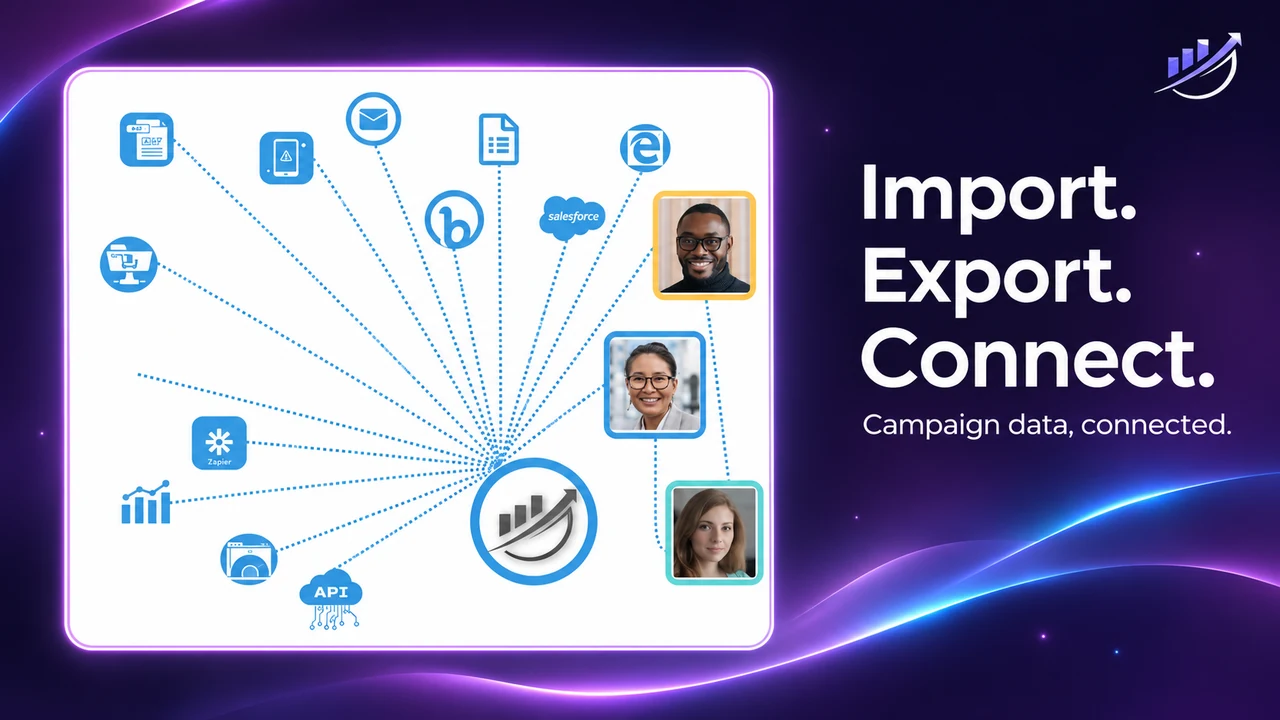
Why CampaignTrackly?
Keep campaigns moving.
Cut the handoffs.
Stop passing the same campaign data from person to person and tool to tool. Let a supported workflow collect, prepare and deliver it across your connected platforms.
Connect securely in one click
Authorize supported platforms through secure one-click connections. We help map the permissions, data and steps your workflow needs.
Save your developers’ time
Your team does not need to build and maintain the integration. CampaignTrackly configures the connections, rules and delivery steps around your campaign process.
Get support for the whole workflow
Go beyond moving one field between two tools. We support complex, multi-step workflows that collect inputs, apply your rules and deliver campaign-ready outputs.
CampaignTrackly Workflows
Automate campaign tracking,
from setup to delivery.
Turn raw campaign data into ready-to-use outputs with fewer manual transfers. Connect the steps from campaign setup to delivery in one supported process.
Campaign Link Automation
Turn campaign inputs into governed tracking URLs using reusable naming conventions, templates and approved metadata. Reduce repetitive tagging and manual re-entry.
Salesforce · Adobe Workfront · Marketo
Campaign Metadata Exchange
Collect campaign fields and identifiers from connected platforms, combine the inputs each step needs, and pass enriched data through your workflow.
CRM · Marketing automation · Scheduled files
Campaign Asset Delivery
Deliver campaign links, bulk QR assets, files and notifications to the platforms your team needs—without another manual export and handoff.
Dropbox · Google Drive · SFTP · Slack
Choose from 100+ app connections and 25+ implemented integrations. Combine the connections, naming rules and delivery steps your campaign process needs. We’ll help you configure the right workflow for your team.
Connect your platforms. Keep your standards.
See what you can automate.
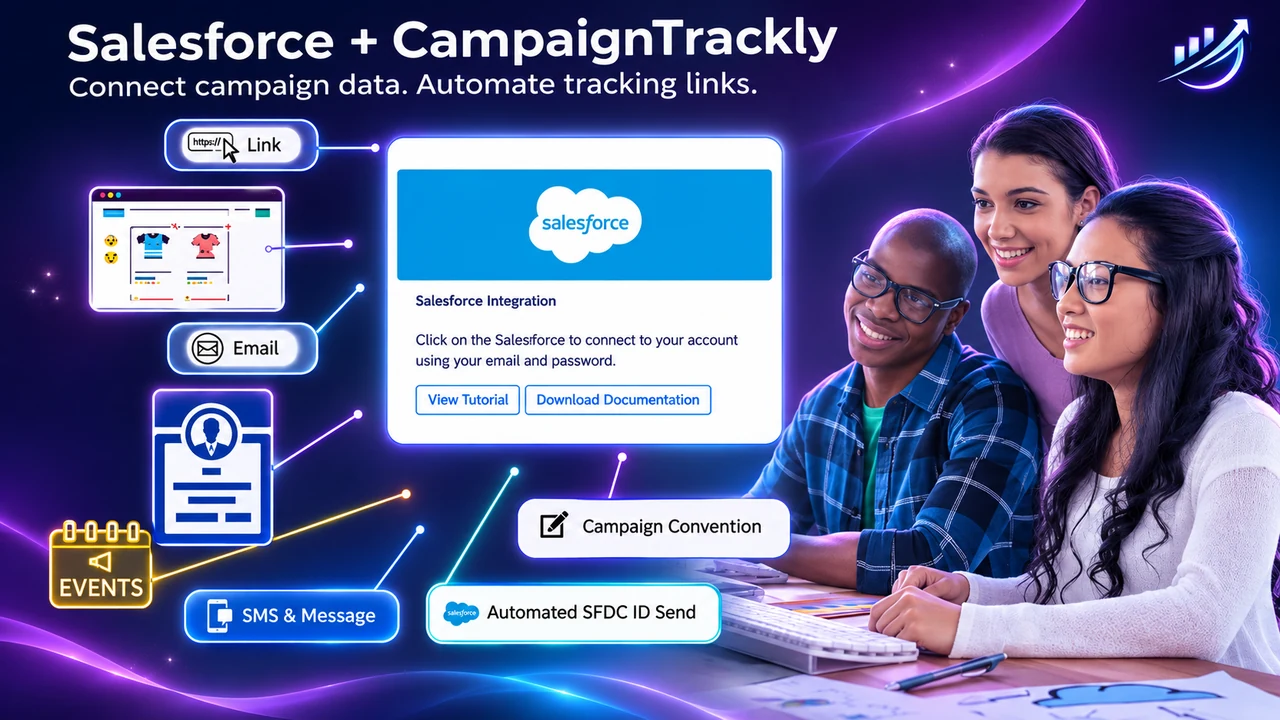
From Salesforce to campaign-ready links.
Connect CRM campaign data with your naming conventions and tracking rules. Generate consistent campaign URLs and return the outputs through a configured workflow.
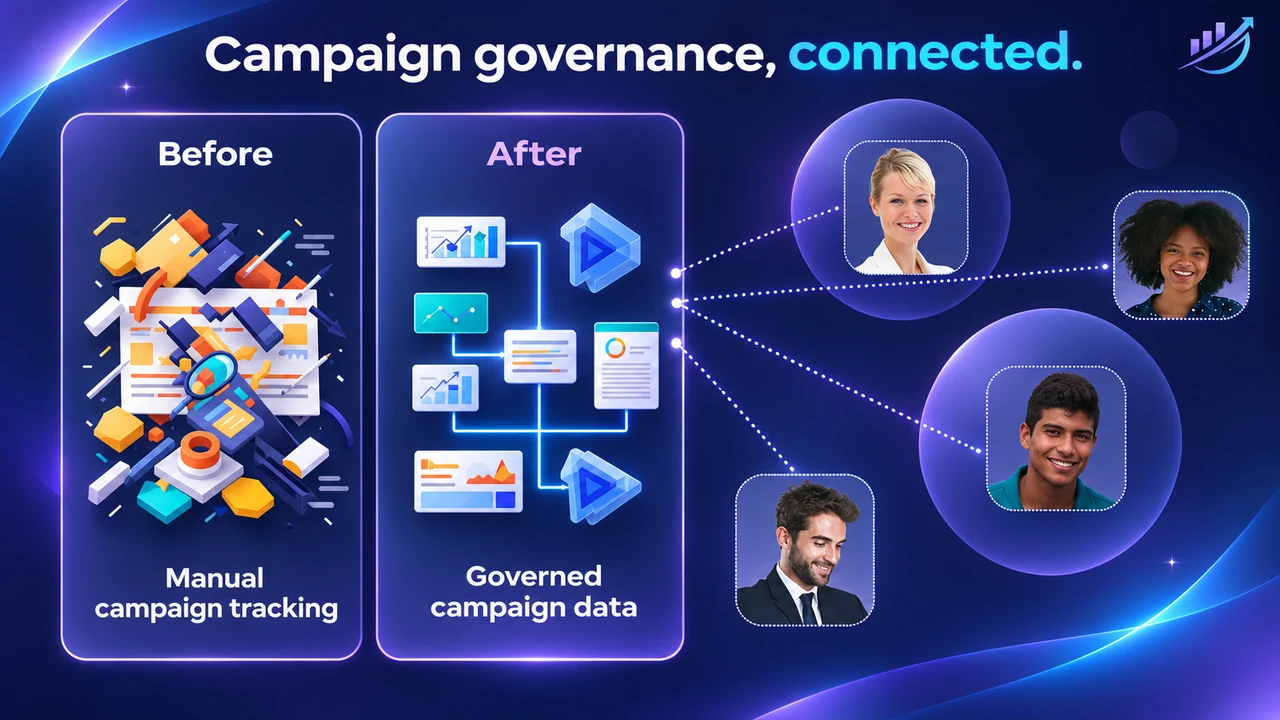
Campaign governance across connected platforms.
Keep campaign names, approved metadata and generated links consistent as your team creates, shares and delivers campaign assets.
Find your platform
Explore integrations & workflows.
Find your platform and see what you can automate. Each card describes a CampaignTrackly product or connected workflow.
CRM, campaign planning & marketing automation
Start with the campaign information your team already creates. Connect those inputs to governed names, metadata and generated URLs.
Configured workflow
Salesforce
Connect CRM campaign information to governed tracking-link generation and return campaign outputs through a configured two-way workflow.
Configured workflow
Adobe Workfront
Bring campaign planning and production into the same process as campaign naming, metadata and tracking URL generation.
Configured workflow
Adobe Marketo
Exchange campaign metadata and generated tracking links with your marketing workflows through CampaignTrackly’s integration layer.
Create links in your preferred platform
Create and tag links in Excel, your browser, an email editor or ChatGPT.
Excel add-in
Microsoft Excel
Generate campaign tracking URLs inside your spreadsheet using centrally managed tags, templates and naming rules.
Browser extension
Google Chrome
Create governed tracking links while browsing and carry approved campaign settings into your link-building workflow.
Browser extension
Microsoft Edge
Build campaign URLs as you browse in Edge, using CampaignTrackly’s connected tagging workflow.
AI UTM Builder
ChatGPT
Create governed campaign links through the CampaignTrackly AI UTM Builder in ChatGPT, using your connected campaign resources.
Email editor workflow
HubSpot
Create UTM and short links while working in your email platform through the supported CampaignTrackly editor workflow.
Email editor workflow
Mailchimp
Bring CampaignTrackly’s email link-tagging workflow into Mailchimp to reduce copying, pasting and repetitive campaign tagging.
Campaign data, files & notifications
Move campaign outputs into the next step of the process, from file delivery to team notifications.
Notifications & delivery
Slack
Share generated campaign URLs and campaign notifications with your team through connected Slack workflows.
Bulk asset delivery
Dropbox
Deliver generated QR codes, campaign files and tracking links to Dropbox as supported ZIP or CSV outputs.
Scheduled delivery
Google Drive
Send campaign information to Google Drive through scheduled integration workflows for downstream handoffs.
Scheduled data exchange
SFTP
Exchange campaign files and data through scheduled SFTP connections within your configured workflow.
Social publishing & short links
Carry consistent campaign tracking into publishing, scheduling and your preferred short-link workflow.
Bulk social scheduling
Hootsuite
Carry tagged campaign links into your Hootsuite bulk scheduling workflow for social publishing.
Social sharing
Buffer
Share tagged campaign links through a connected Buffer workflow.
Social sharing
Use the available connection to share tagged campaign links to LinkedIn.
Social sharing
Use the available connection to share campaign links to Facebook.
Short-link connection
Bitly
Use your existing Bitly account and vanity domain as part of your campaign link-shortening workflow.
Short-link connection
Rebrandly
Connect Rebrandly through its API to use your preferred link-shortening workflow with campaign tracking.
Analytics & tracking
Use standardized campaign inputs for Google Analytics and Adobe Analytics tracking workflows.
Analytics connection
Google Analytics 4
Connect supported GA4 properties to explore campaign performance and investigate tracking quality in CampaignTrackly.
Tracking URL workflow
Adobe Analytics
Build configured Adobe tracking parameters, campaign identifiers and custom metadata with governed naming rules.
Machine-to-machine campaign workflows
Raw data in.
Campaign-ready outputs delivered.
Once configured, your connected platforms exchange campaign data automatically. CampaignTrackly collects the ingredients, applies your rules and delivers the result, reducing repeated handoffs along the way.
Receive campaign data
Start with campaign inputs from your CRM, planning platform, spreadsheet or scheduled file.
Collect the ingredients
Gather the fields, identifiers and approved metadata the workflow needs from your connected platforms.
Apply rules and generate
Use your naming conventions and templates to prepare consistent campaign names, tracking links and assets.
Deliver the outputs
Send the results to the next platform, file destination or team notification in your configured workflow.
See how we connect with your preferred platform and build workflows around your process.
Workflow questions
Start with what you need to connect.
What are machine-to-machine (M2M) workflows for campaign tracking?
Machine-to-machine (M2M) workflows let connected platforms exchange campaign data automatically, rather than relying on a person to copy, export and re-enter it at each step. CampaignTrackly can receive raw campaign data, collect fields and identifiers from connected platforms, apply naming and tracking rules, and deliver campaign-ready outputs through a configured workflow.
How does CampaignTrackly reduce handoffs and manual errors?
CampaignTrackly connects the steps that would otherwise pass between multiple people and platforms. A configured workflow collects the required inputs, applies approved naming conventions and metadata, generates tracking links or assets, and delivers them to the next destination. This saves time and minimizes errors caused by repeated copying, re-entry and manual transfers.
Do we need developers to build and maintain these workflows?
No developer time is needed from your team for a CampaignTrackly-supported workflow. We help configure your platform connections, map the required fields, apply your campaign rules and support the multi-step process. Your team provides the platform access, requirements and approvals needed for setup.
Are connections one click, even for complex workflows?
Supported platforms offer secure one-click authorization. The full workflow is then configured around your data, permissions, conditions and delivery requirements. CampaignTrackly supports that setup, so a complex workflow can span multiple platforms without your team building the integration itself.
Are these integrations or separate workflow products?
CampaignTrackly combines its URL builders, governance features and integration layer into workflow products for campaign link automation, metadata exchange and asset delivery. A workflow may use several connections and multiple steps.
Does every platform use the same connection method?
No. The directory identifies different ways of working: configured integrations, API connections, browser extensions, the Excel add-in and supported email editor workflows. We map the method to the platform and your requirements.
Can you demonstrate a workflow for our preferred platform?
Yes. Contact us for a demo of how we can connect with your preferred platform and build workflows around your campaign process. Tell us which inputs, naming rules and outputs you need.
What if our platform is not listed here?
Contact us with the platform name and the workflow you want to build. The integration layer includes 100+ connections, and we can review the available connector or API route and the setup your process requires.