Why You Need a UTM Marketing Software Comparison Checklist
Most platforms look identical in a 30-minute sales demo, hiding the operational bottlenecks that frustrate marketing ops teams six months into a rollout. Watch out for four common vendor caveats:
1. Rigid “Out-of-the-Box” Rules
Many vendors force every brand or region into one global naming convention—or charge heavy custom-engineering fees just to map your Workfront or CRM fields.
2. Partial Governance
A vendor may enforce tag libraries in their web UI, yet bypass validation completely during bulk CSV uploads, API calls, or AI link generation.
3. Surprise Volume & API Caps
Low entry pricing often masks strict caps on link creation, short-link redirects, dynamic QR scans, and API rate limits during peak campaign launches.
4. Domain & Data Lock-In
If a vendor controls your vanity short domain or lacks full metadata exports, switching platforms later can break live QR codes and historical links.
How to Compare UTM Marketing Software for Your Team Model
For Agencies
Test two separate client workspaces with distinct naming formulas and branded vanity domains. Confirm who owns each domain DNS, how client handoffs work, and whether campaign metadata exports cleanly.
For Enterprise Teams
Test a shared taxonomy across multiple business units with role-based permissions. Run a bulk CSV import, pull an API export, and verify approval workflows when a user requests a new tag value.
Why Tiny URL Details (Like Hashtags) Break Attribution
Putting a hashtag (#) anchor in the wrong spot—or letting unvalidated URL parameters slip past a basic builder—can strip your UTM tags before Google Analytics 4 ever sees them.
Why vendor testing matters: A thoroughly vetted UTM platform doesn’t just store links—it automatically catches edge-case syntax traps, anchor placement errors, and encoding bugs before a single campaign goes live.
Request Free Sandbox Access. Use the UTM Marketing Software Checklist to Test
Don’t rely on a guided sales demo. Ask every shortlisted vendor for free trial/sandbox access so your team can personally verify real governance, team separation, and complex campaign rules:
Put Us to the Test
Run This UTM Marketing Software Comparison Checklist Live
Bring your multi-composite naming rules, team permission structure, and messiest campaign CSV. We’ll test your real setup live—no generic slide deck.
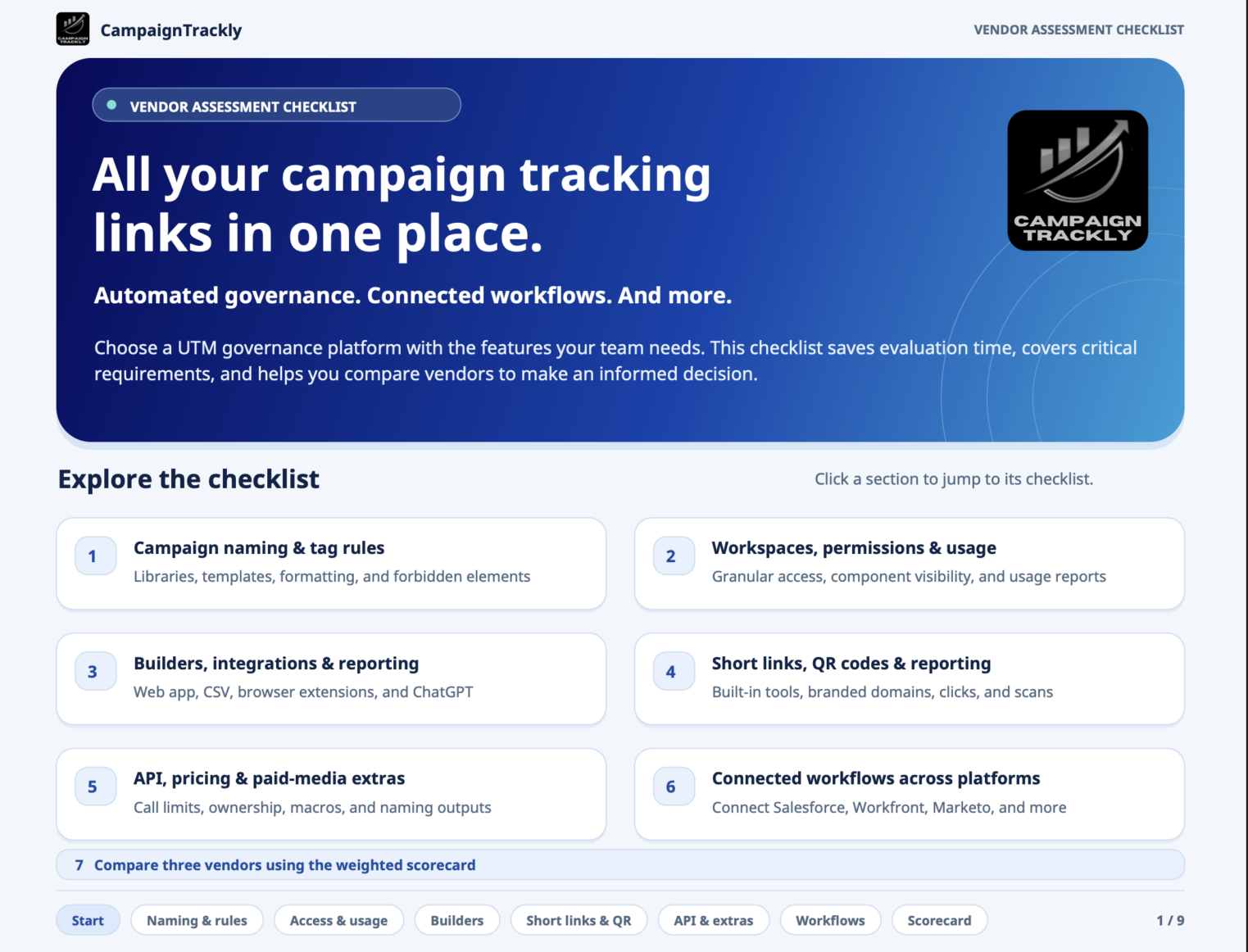
Get the UTM Marketing SOftware Comparison Checklist
Click to download the UTM Marketing Software Vendor Comparison Checklist as a PDF
How to Use This UTM Marketing Software Comparison Checklist
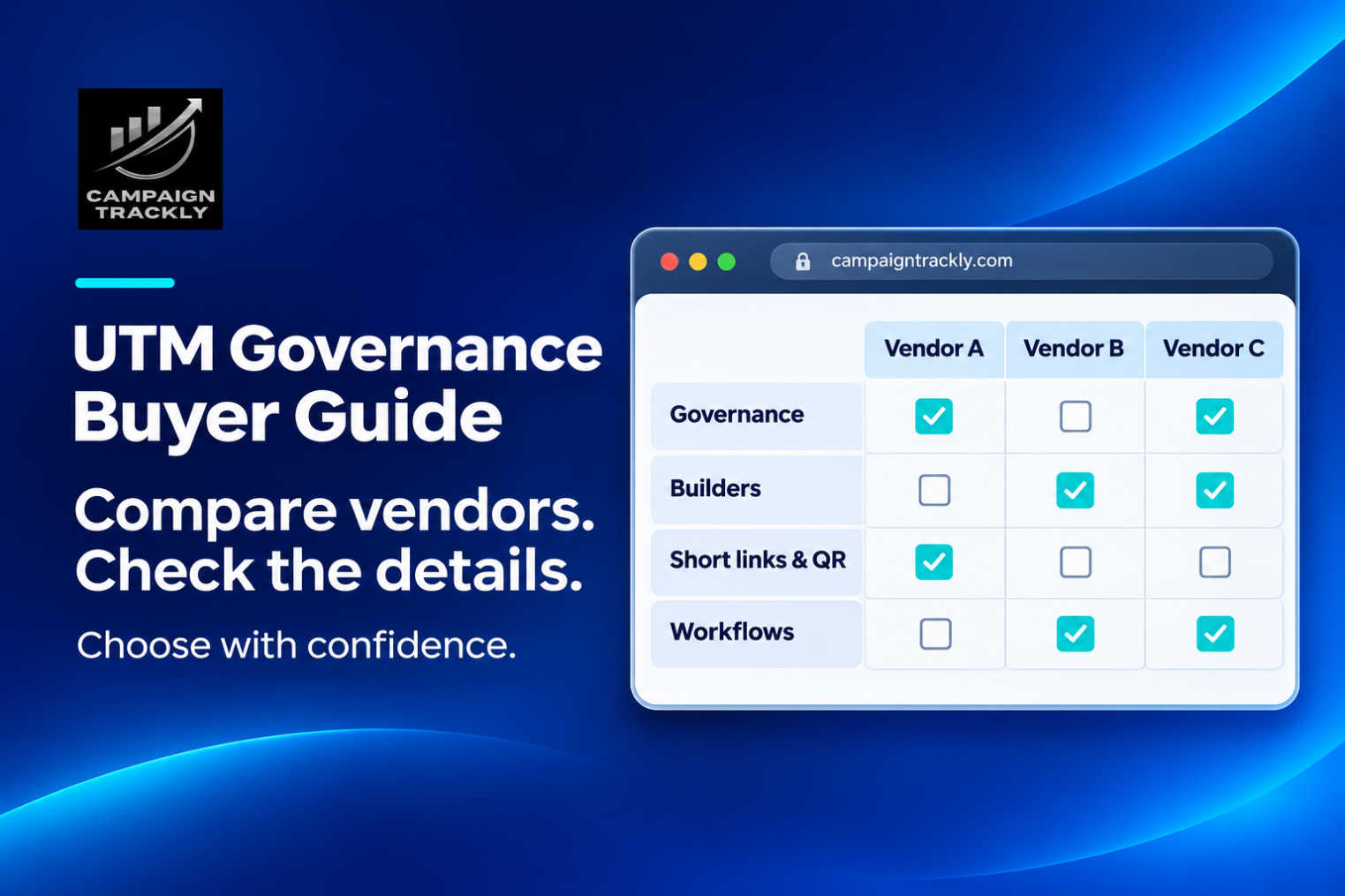
A UTM marketing software comparison checklist is a 15-point evaluation framework used by marketing ops teams and agencies to vet UTM governance platforms across naming conventions, tag libraries, role permissions, bulk CSV validation, API rate limits, branded short domains, QR codes, and GA4 attribution integrity before signing a contract.
Don’t settle for “Yes, we support that” on a sales call. Tick each row only after you have seen it work live in a sandbox or received written confirmation.
| Done | Capability | What to Verify With Every Vendor | CampaignTrackly |
|---|---|---|---|
| 1. Custom features & flexibility | Bring one requirement outside their standard setup. Ask whether it can be configured, built free, or quoted separately—and get maintenance terms in writing. | We build custom features and workflows around real customer requirements. Ask what can be included in your rollout. | |
| 2. Total price & volume limits | Get a written quote for normal and peak months covering seats, workspaces, links, short links, QR codes, domains, and API calls. Check overage rules. | Review transparent CampaignTrackly plan details and confirm exact allowances in your quote. | |
| 3. End-to-end UTM governance | Set an approved Source/Medium pair and naming rule. Test it across the web builder, CSV import, API, and AI routes to see if invalid values are blocked everywhere. | Centralized tag libraries and templates enforce validation rules across your connected routes. | |
| 4. Reusable naming formulas | Create two naming conventions with different field orders. Clone one for a new campaign and verify that utm_campaign inherits the exact structure. |
Supports flexible campaign naming conventions and one-click cloning of saved field orders. | |
| 5. Workspace roles & separation | Set up two workspaces. Verify a standard builder only sees assigned brands and cannot alter locked tag libraries or templates without admin approval. | Granular multi-team setup and permissions isolate workspaces, brands, and admin controls. | |
| 6. Bulk CSV validation & editing | Upload a spreadsheet with an invalid URL and missing tag. Check if you can fix cells inline before import and how repeat uploads prevent duplicates. | Interactive CSV bulk upload lets teams preview, validate, and edit rows before publishing. | |
| 7. API endpoints & rate limits | Retrieve a campaign via API, paginate exports, and confirm all custom columns appear. Verify token rotation, scopes, and weekly/monthly call quotas. | Full API documentation with workspace discovery, scoped keys, and full-column campaign exports. | |
| 8. Integrations & metadata sync | Pass one record between your work-management tool and the UTM platform. Check field mapping, sync-failure alerts, and connector add-on fees. | Connects with tools like Adobe Workfront and GA4—explore CampaignTrackly integrations. | |
| 9. Governed AI link creation | Ask the vendor’s AI assistant to generate a link using an unapproved tag. Confirm it enforces workspace permissions and requires human review before saving. | The ChatGPT UTM Builder pulls directly from your connected workspace’s approved tags and templates. | |
| 10. Short links & redirect survival | Check included short-link counts, click/redirect surcharges, and alias editing fees. Test a redirect to ensure all UTM parameters survive intact. | Built-in shortening plus Bitly and shortener options with full parameter preservation. | |
| 11. Branded domains & DNS control | Keep domain registration in your own registrar account. Confirm SSL/HTTPS provisioning and a migration plan that keeps live links working if you leave. | Supports branded vanity domains while you retain full registrar and DNS ownership. | |
| 12. QR codes & post-contract behavior | Verify static vs. dynamic QR limits, bulk generation, vector exports, scan caps, and whether printed codes keep resolving if you cancel later. | Supports QR creation, bulk generation, and reporting across campaigns. | |
| 13. GA4 reporting & anomaly detection | See how the tool flags missing UTMs, casing mismatches, or misclassified paid traffic in GA4—and whether it provides actionable fix recommendations. | Includes GA4 campaign reporting and a free GA4 integrity audit. | |
| 14. Full exports & exit portability | Export a batch of campaigns and verify you get raw long URLs, short URLs, QR destinations, naming conventions, and custom metadata in one file. | Includes a UTM checker and complete bulk link exports with metadata. | |
| 15. Enterprise rollout, SSO & support | Confirm SSO availability, onboarding SLAs, audit logs, and whether ongoing template updates require paid professional services. | Structured enterprise team setup with hands-on onboarding and custom workflow support. |
UTM Marketing Vendor Checklist FAQs
Is the UTM marketing software comparison checklist free?
Yes. CampaignTrackly’s UTM marketing software comparison checklist is a free resource for agencies, marketing teams, and enterprise buyers. It helps you identify important requirements, ask vendors practical questions, and compare your options before choosing a platform. Download the free PDF checklist.
What does the checklist help me compare?
The checklist covers tag libraries, campaign naming conventions, reusable templates, bulk CSV builders, ChatGPT builders, permissions, workspaces, API allowances, pricing, short links, domain ownership, QR codes, reporting, and workflows connecting multiple platforms. It also includes a scorecard for comparing vendors against your must-have requirements.
Is this a software tool or a downloadable guide?
It is a downloadable guide and assessment checklist. Use it to record vendor answers, verify capabilities, and compare UTM marketing software. You can use the resource whether or not you choose CampaignTrackly.
Can I use it to evaluate UTM software for Google Analytics 4?
Yes. It helps you assess how a vendor supports consistent UTM tagging, campaign naming, and GA4 reporting needs. It also prompts you to check that tracking parameters survive shortened links and QR-code redirects. The checklist is created by CampaignTrackly and is not an official Google resource.