Which Default Traffic Source Dimensions Does Google Analytics Report on for Each Website Visitor?
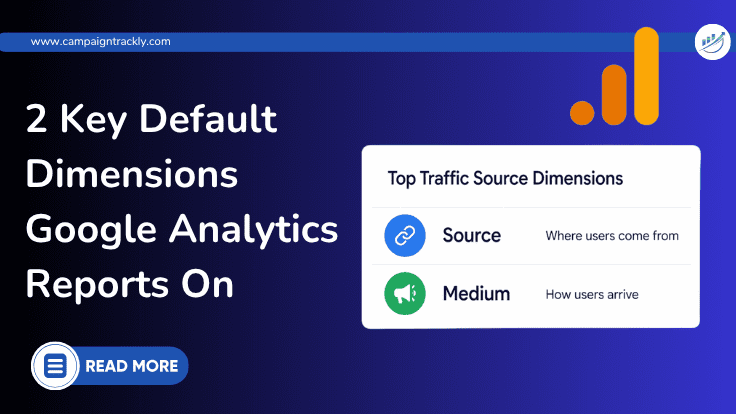
Short answer: Google Analytics reports on Source and Medium as the default traffic source dimensions for each website visitor.
- Source (utm_source)
- Medium (utm_medium)
These two dimensions are often displayed together as Source / Medium, and they form the foundation of traffic acquisition reporting in Google Analytics.
What Is Source in Google Analytics?
Source tells you where the visitor came from.
Examples of Source include:
- newsletter
- bing
In other words, Source identifies the platform, website, search engine, or referrer that sent the traffic.
What Is Medium in Google Analytics?
Medium tells you how the traffic arrived – in a natural, organic way, through paid sources, through email…
Examples of Medium include:
- organic
- cpc
- referral
- none
Medium describes the channel type or marketing method behind the visit.
Source vs Medium: A Simple Example
Here is how Source and Medium work together:
| Traffic Example | Source | Medium |
|---|---|---|
| Google search result | organic | |
| Facebook ad | cpc | |
| Email newsletter | newsletter | |
| User typed your URL directly | (direct) | (none) |
This is why Source / Medium is one of the most important traffic dimensions in Google Analytics. It helps you understand both the origin of the traffic and the method used to acquire it. Want to find out more? Check out our utm tracking training resources.
Why These Default Traffic Source Dimensions Matter
Source and Medium are essential because they help marketers answer important questions such as:
- Which channels are driving the most traffic?
- Which campaigns are bringing in conversions?
- Is paid traffic outperforming organic traffic?
- Which referral sources are sending valuable visitors?
Without accurate Source and Medium values, your acquisition reports become much harder to trust.
How Google Analytics Uses Source and Medium
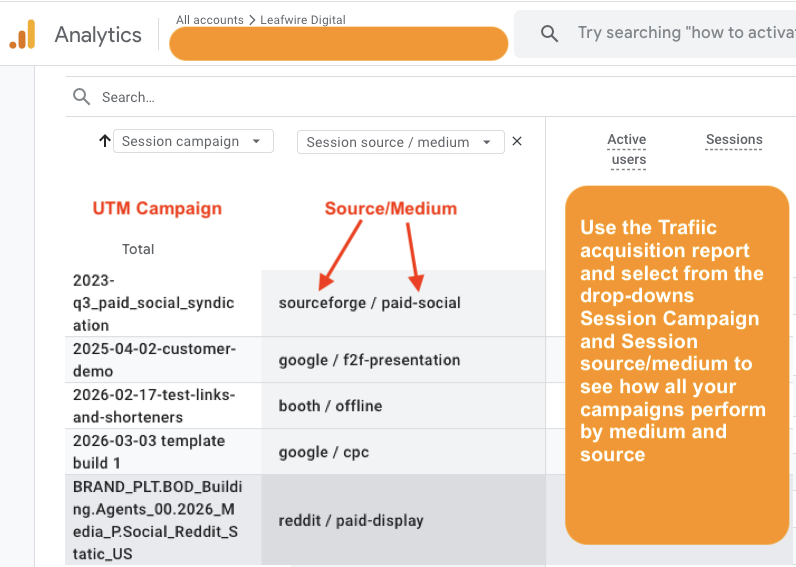
Google Analytics uses these default traffic source dimensions to organize visitors into acquisition reports. When these values are available and clean, you can see how users found your site and compare marketing performance across channels.
For example, if one campaign is tagged with:
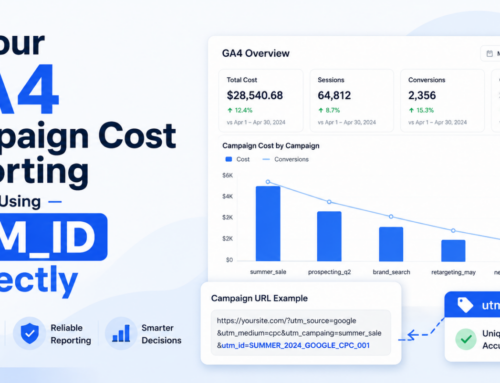
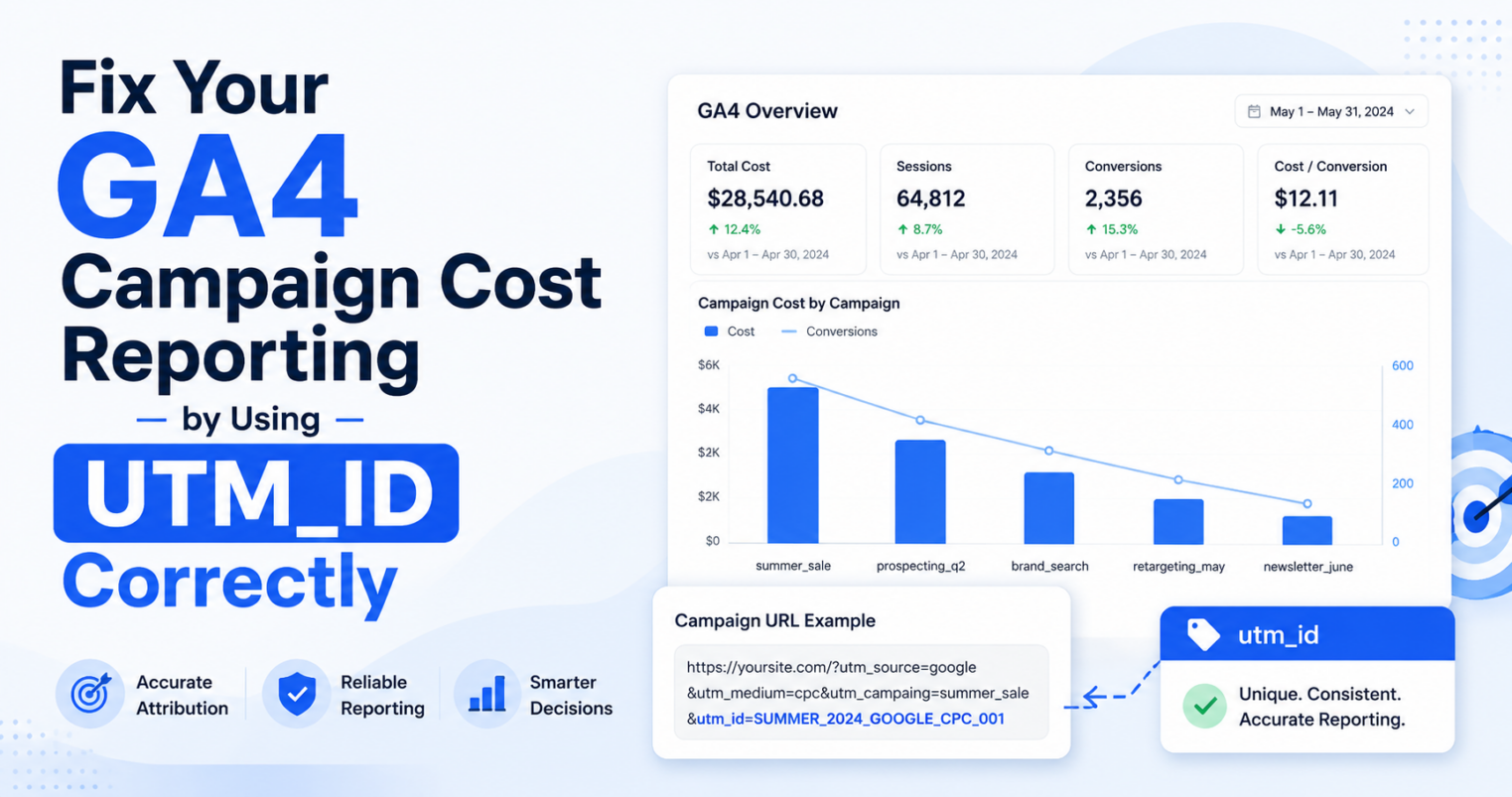
utm_source=linkedin&utm_medium=cpc&utm_campaign=spring_launchGoogle Analytics can properly attribute that visit to:
- Source: linkedin
- Medium: cpc
That means your reports reflect reality instead of guessing where the traffic came from.
What Happens When Source and Medium Are Wrong?
This is where many marketers run into trouble.
If links are not tagged properly with UTM tags, or if UTM naming is inconsistent, Google Analytics may misclassify your traffic. That often leads to visits showing up as:
- Direct traffic
- Unassigned traffic
- Referral when it should have been campaign traffic
Common causes include:
- Missing UTM parameters
- Manual tagging mistakes
- Typos in source names
- Inconsistent medium naming
- Broken campaign naming conventions
That is why Source and Medium are not just reporting fields. They are the foundation of accurate attribution.
GA4 Adds More Traffic Source Dimensions
In GA4, Source and Medium still matter, but the platform also expands traffic acquisition reporting with dimensions such as:
- Session source
- Session medium
- First user source
- First user medium
- Session source / medium
- First user source / medium
This gives marketers more flexibility when analyzing user acquisition versus session acquisition. Still, the basic concept remains the same: where traffic came from and how it got there.
Which Default Traffic Source Dimensions Does Google Analytics Report On?
To recap, the default traffic source dimensions Google Analytics reports for each website visitor are:
- Source
- Medium
Together, these dimensions help you understand the origin and channel of each visit. They also power some of the most important acquisition reports in both Universal Analytics and GA4.
Conclusion
If your Source and Medium data is clean, your reports become far more powerful. You can conclude with confidence which campaigns are working, which channels deserve more budget, and where attribution is starting to break down.
But if your campaign UTM links are inconsistent, even the best reporting dashboard will struggle to tell the truth.
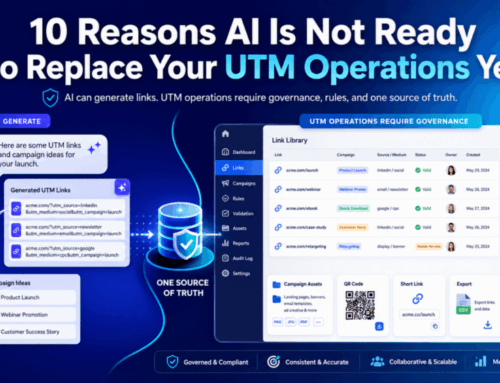
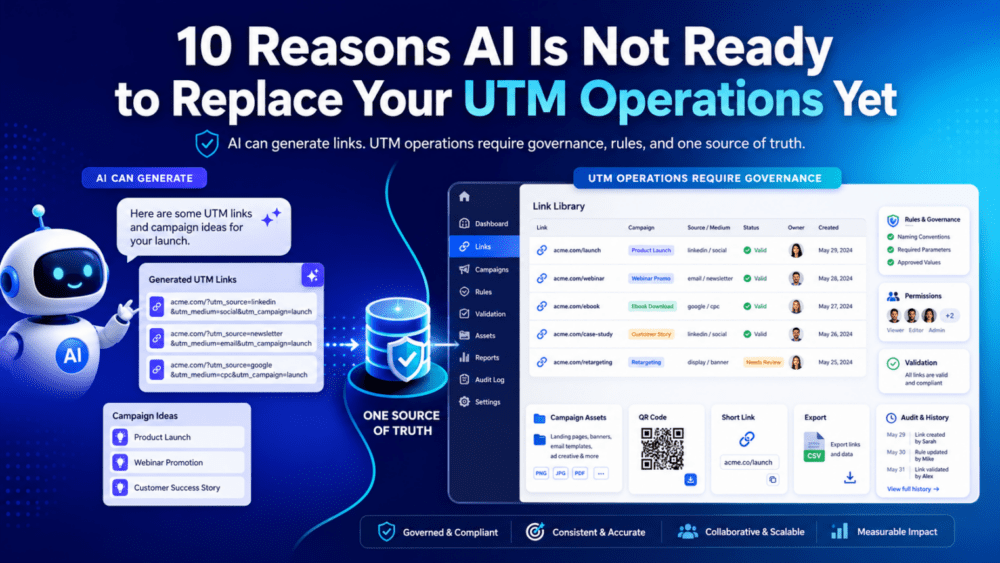
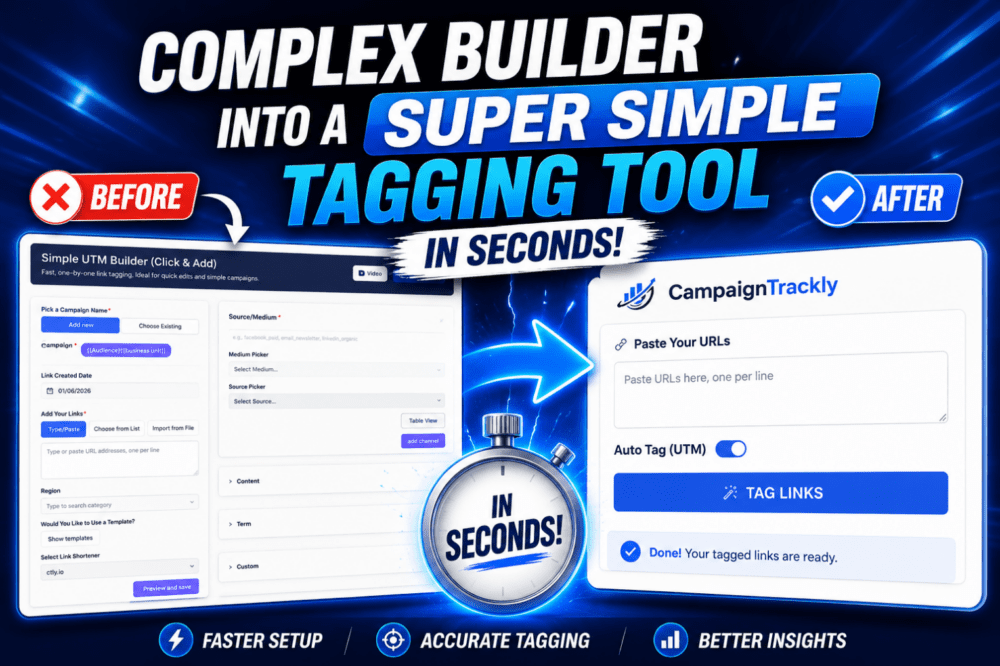
That is why marketers need a professional UTM builder. They need a system that helps standardize campaign naming, prevent tagging errors, and keep attribution clean from the start.
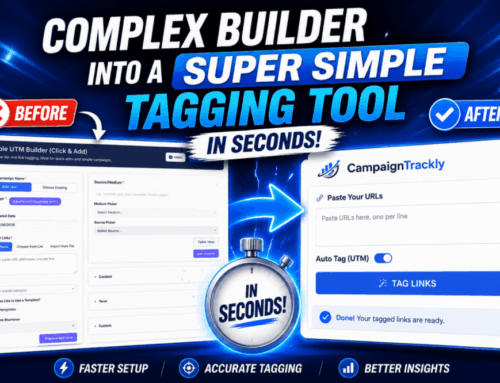
CampaignTrackly helps teams build governed campaign links with consistent UTMs, better naming conventions, and cleaner reporting across Google Analytics and beyond.
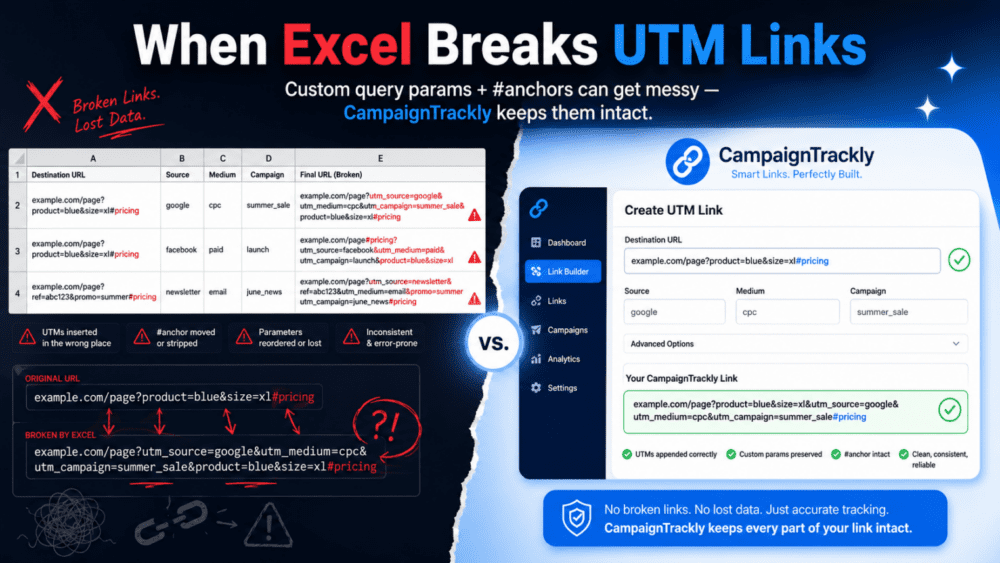
How CampaignTrackly Automatically Fixes URL String Fragments
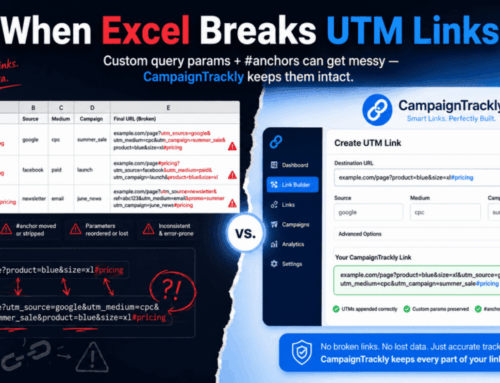
Instead of relying on rigid, error-prone spreadsheet formulas, CampaignTrackly’s intelligent parsing engine automatically detects page hashtags, dynamically isolates them, sequences your UTM parameters using the correct syntax separators, and safely re-attaches the anchor to ensure flawless user navigation and 100% accurate analytics.