What are Google Analytics “Custom Campaigns”
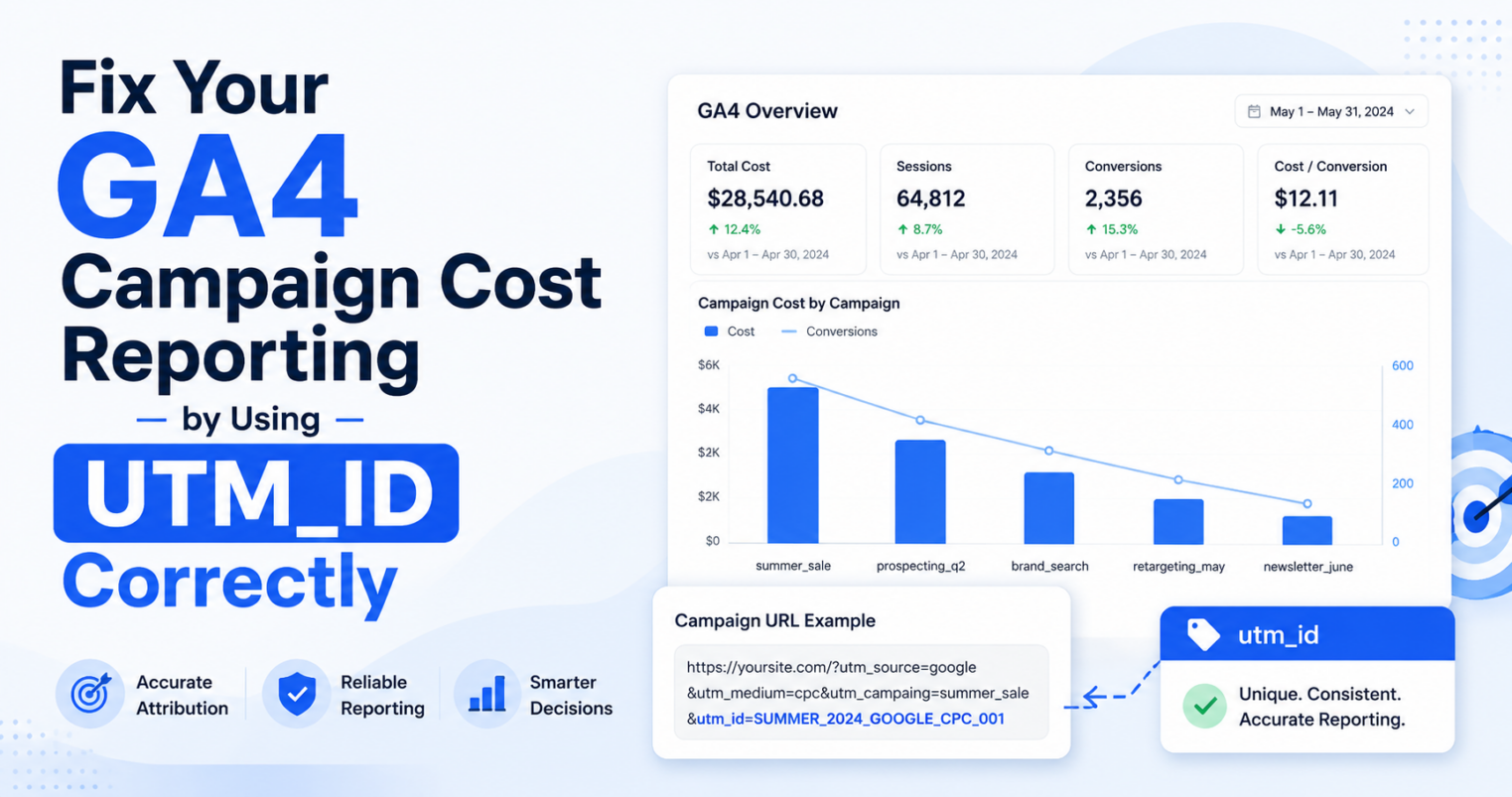
In Google Analytics 4 (GA4), custom campaigns are not something you create inside GA4 itself.
Instead, they are defined by your UTM parameters, especially:
utm_campaign= campaign nameutm_source= traffic sourceutm_medium= channel
GA4 simply reads and reports what you pass in your URLs.
Example of a Custom Campaign
https://yourwebsite.com?utm_source=linkedin&utm_medium=paid_social&utm_campaign=2026_q1_brand_awareness&utm_content=ad_123This creates a custom campaign called:
2026_q1_brand_awareness
Where to See Custom Campaigns in GA4
In Google Analytics 4, go to:
Reports > Acquisition > Traffic Acquisition
Then:
- Change the primary dimension to Session campaign (
utm_campaign) - Or explore Source / Medium / Campaign combinations
You’ll see metrics such as:
- Traffic
- Conversions
- Engagement
- Revenue (if applicable)
Why “Custom Campaigns” Break So Easily
This is where most teams struggle.
Common Issues
- Multiple naming variations:
spring_saleSpringSalespring-sale
- Missing UTMs
- Different teams using different formats
- Paid vs. organic inconsistency
Result:
Fragmented reporting in GA4.
Stop "Direct" Visits from Stealing Your Campaign Traffic
The Difference Most People Miss
Basic Understanding
Custom campaigns =
utm_campaignvalue
Advanced Understanding
Custom campaigns = a structured system of campaign naming and governance
How to Structure Custom Campaigns Properly
Instead of random names:
Bad
utm_campaign=spring_saleGood (Standardized)
utm_campaign=2026_q1_paid_social_brand_awarenessRecommended Naming Structure
| Element | Example |
|---|---|
| Year | 2026 |
| Quarter | Q1 |
| Channel | paid_social |
| Objective | brand_awareness |
Final example:
2026_q1_paid_social_brand_awarenessCustom Campaigns at Scale
At the enterprise level, custom campaigns require more than basic URL tagging. They require governance, taxonomy, consistency, and automation. So as amazing Google Analytics manual builder is, it is recommended to use scalable GA4 UTM Builder platforms
Governance
- Naming conventions
- Enforced templates
Taxonomy
- Standardized dropdown values
- Channel mapping across GA4, Adobe, and CRM platforms
Consistency
- Alignment across ads, email, CRM, and social
Automation
- URL builders
- Integrations with platforms such as Workfront and Salesforce Marketing Cloud
How CampaignTrackly Automatically Fixes URL String Fragments
Instead of relying on rigid, error-prone spreadsheet formulas, CampaignTrackly’s intelligent parsing engine automatically detects page hashtags, dynamically isolates them, sequences your UTM parameters using the correct syntax separators, and safely re-attaches the anchor to ensure flawless user navigation and 100% accurate analytics.
Frequently Asked Questions
What are custom campaigns in Google Analytics?
Custom campaigns in Google Analytics are user-defined campaign tracking structures created using UTM parameters such as utm_campaign, utm_source, and utm_medium. These parameters allow marketers to track traffic sources and campaign performance in GA4 reports.
Does Google Analytics create campaigns automatically?
No. Google Analytics does not create campaigns automatically. Campaign data is generated based on the UTM parameters added to your URLs. GA4 simply reads and reports this data.
Where can I see custom campaigns in GA4?
You can view custom campaigns in GA4 under Reports > Acquisition > Traffic Acquisition. Use the “Session campaign” dimension to analyze campaign performance.
What is the difference between utm_campaign and a custom campaign?
The utm_campaign parameter defines the campaign name, while a custom campaign refers to the overall tracking structure created using UTM parameters. In practice, they are closely related, but custom campaigns represent the broader tracking strategy.
Why are my campaigns showing incorrectly in GA4?
Campaign data can appear fragmented due to inconsistent naming, missing UTM parameters, or different teams using different formats. Standardizing naming conventions helps prevent this issue.
What is a campaign naming convention?
A campaign naming convention is a standardized format for defining campaign names, often including elements like year, channel, and objective. For example: 2026_q1_paid_social_brand_awareness.
How do you standardize campaign tracking?
Campaign tracking is standardized by using predefined templates, controlled taxonomies, consistent naming conventions, and centralized tools that enforce rules across teams and channels.