Direct traffic in Google Analytics refers to website visits where the source of the traffic is unknown or cannot be determined by GA4.
Direct traffic in Google Analytics typically happens when:
- A user types your website URL directly into their browser
- A visitor uses a bookmark
- Tracking parameters (like UTMs) are missing or broken.
🧠 Direct Traffic in Google Analytics – Definition
Direct Traffic in GA4 is the label given to website visits when the source of the visit is unknown.
👉 Think of it as a “catch-all” bucket for traffic that is missing UTM parameters or referral data.
📊 Common Sources of Direct Traffic
Legitimate direct traffic includes the following use cases:
- Users typing your URL manually
- Bookmarked pages
- Some mobile app traffic
- Certain offline sources (QR codes, PDFs without tracking)
⚠️ Why Direct Traffic in GA4 Reports Can Be Misleading
Not all direct traffic is truly “direct.”
A large portion can actually come from:
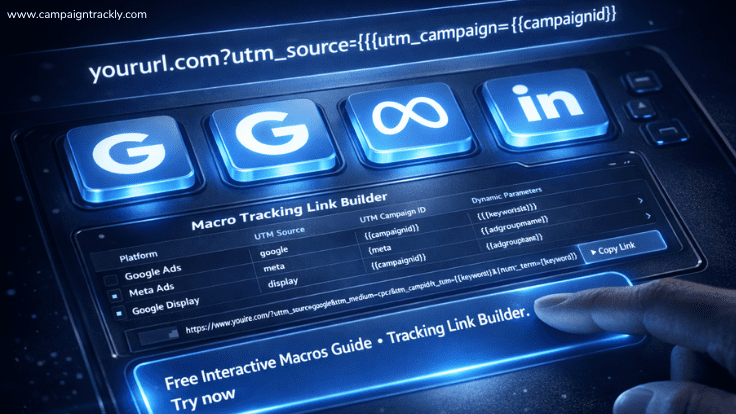
- Missing or incorrect UTM parameters
- Broken redirects
- Email or messaging apps stripping tracking data
- Improper link tagging in campaigns
👉 This leads to misattribution, where real campaign performance is hidden inside Direct traffic.
🚨 Example of Direct Traffic in Google Analytics due to Missing UTMs
If you run a campaign without UTMs:
https://yourwebsite.com/landing-pageInstead of:
https://yourwebsite.com/landing-page?utm_source=linkedin&utm_medium=paid&utm_campaign=q2_launch👉 Google Analytics may classify that visit as Direct, even though it came from a campaign because it is missing information that could tell it where the visit came from.
✅ Best Practices to Reduce Direct Traffic Inflation
- Always use consistent UTM parameters
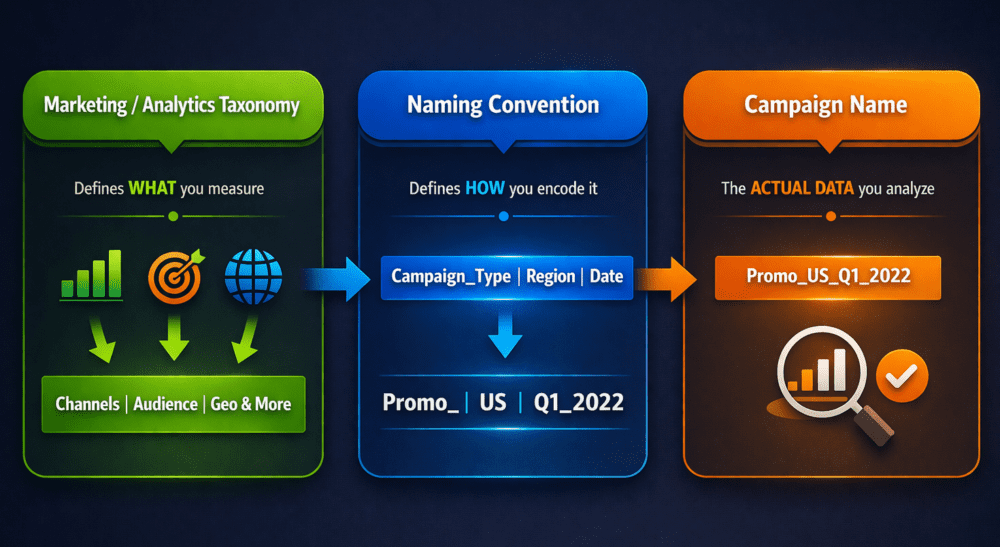
- Standardize naming conventions
- Test links before launching campaigns
- Ensure redirects preserve tracking parameters
- Use tools that enforce tracking governance
🎯 Key Takeaway
Direct traffic isn’t always real direct traffic.
If your direct traffic is unusually high, it may indicate tracking issues—not actual user behavior.