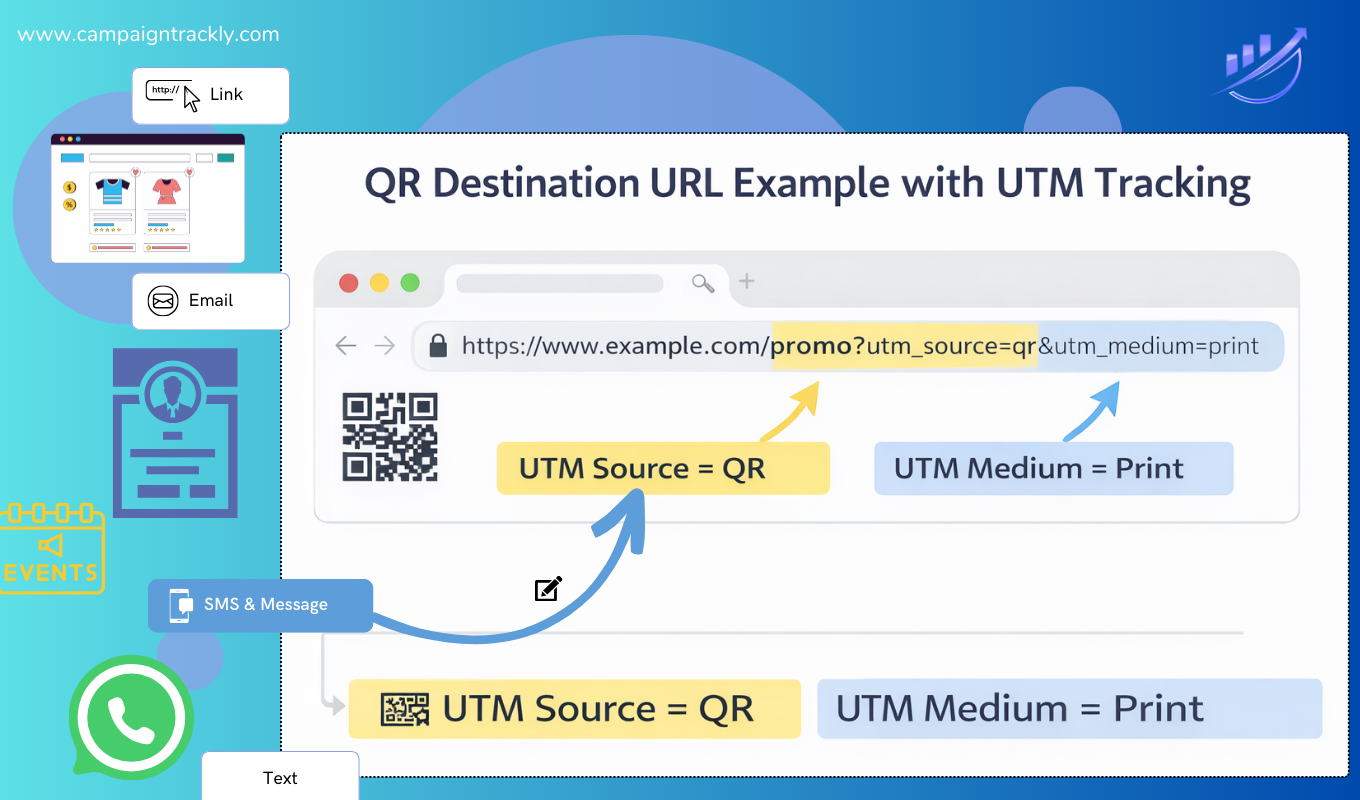
GA4 QR code tracking is a common challenge for marketers using QR codes across print, events, and offline campaigns. While Google Analytics 4 can report on QR traffic, it does not recognize QR codes as a channel by default.
Short answer
No — GA4 does not automatically recognize QR codes as a channel.
In Google Analytics 4, a QR scan is treated as a standard URL click unless it is explicitly identified using UTM parameters or custom channel grouping rules.
How GA4 QR Code Tracking Works (and Why QR Isn’t a Native Channel)
Google Analytics 4 is built to interpret digital referrers such as websites, ads, and emails. QR codes originate in the physical world — posters, packaging, brochures, events — so GA4 receives no native signal that a session started from a QR scan.
Without intentional tagging:
-
QR traffic is often misclassified as Direct
-
Offline campaigns appear invisible
-
Attribution gaps grow over time
This is why many teams believe QR “doesn’t work,” when in reality it’s simply not labeled.
Best Practice: Easy GA4 QR Code Tracking with UTMs
To track QR codes correctly in GA4, every QR destination URL must include explicit UTM parameters.
Recommended QR UTM structure
Once applied, GA4 reports QR traffic as:
session_source = qr|
session_medium = offline (QR is on posters, flyers, menus, etc.)|
session_campaign = enterprise_awareness_2026
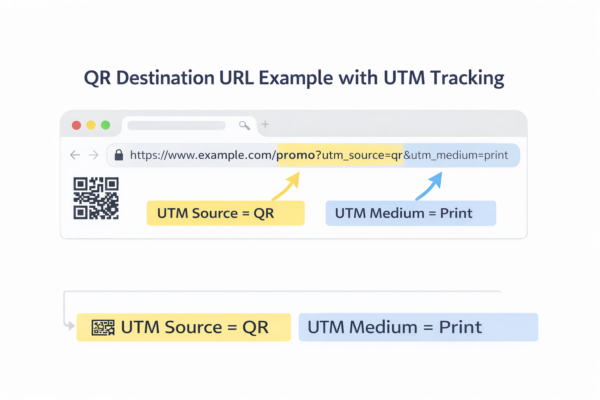
GA4 QR Code tracking example showing UTM parameters on a QR destination URL
Adding GA4 UTM Tracking transforms QR scans into measurable acquisition data
QR usage has expanded rapidly worldwide, with industry reports indicating that marketing adoption increased by more than 300% in 2025 alone. What’s notable is not just the growth, but where QR codes are being used. Adoption has accelerated even within highly regulated and traditionally offline-first industries, where QR is now embedded into strategic engagement workflows, including:
- healthcare and medical education
- pharmaceutical congresses and field materials
- patient onboarding and support programs
- financial services communications, disclosures, and branch-based engagement
- enterprise events, signage, and physical activations
While many of these engagement moments originate offline — brochures, direct mail, conference materials, in-branch signage, printed disclosures — leadership still expects digital accountability.
When QR codes are used, UTM parameters become the critical bridge that connects offline engagement to measurable digital outcomes.
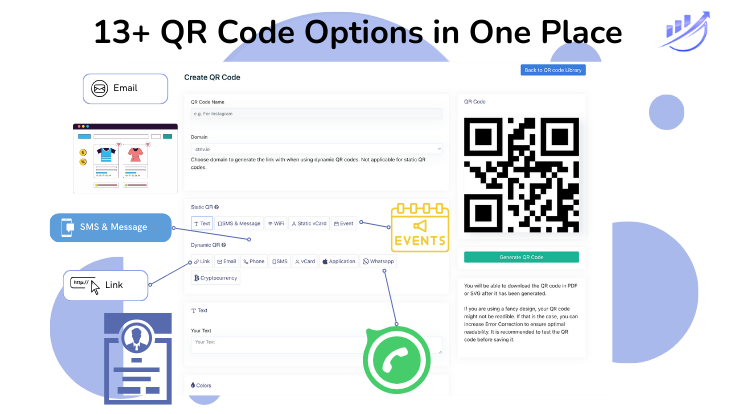
CampaignTrackly’s QR code builder, recognized by G2 offers 13 solutions for your QR needs. Paied up with our UTM builder – you automatically get all the insights you need.
Conclusion
GA4 can show you QR performance, but it will not guess that traffic came from a QR code. You have to explicitly tell GA4 “this link came from a QR code” using UTMs. If you don’t do that, GA4 has no way to know.
GA4 doesn’t have a built-in “QR” category like it does for Email or Paid Search. QR only shows up as its own thing if you consistently tag QR links the same way across campaigns.
Teams that tag QR links properly can see:
-
which offline materials drove traffic
-
which campaigns actually worked
-
how QR contributed to digital outcomes
They can connect physical activity → digital behavior.
FAQ: Does GA4 support QR code tracking?
GA4 supports QR code tracking when QR links are labeled with UTM parameters. Without UTMs, QR traffic is typically grouped under Direct.