A Simple Pre-Launch Campaign Tracking QA Checklist Every Marketing Team Should Run
Marketing teams spend weeks planning campaigns — creative, targeting, budgets, and landing pages.
Yet many campaigns fail for a much simpler reason:
- Broken or inconsistent tracking.
A missing UTM parameter, a redirect that strips campaign metadata, or a broken landing page can quietly distort your analytics before the campaign even starts.
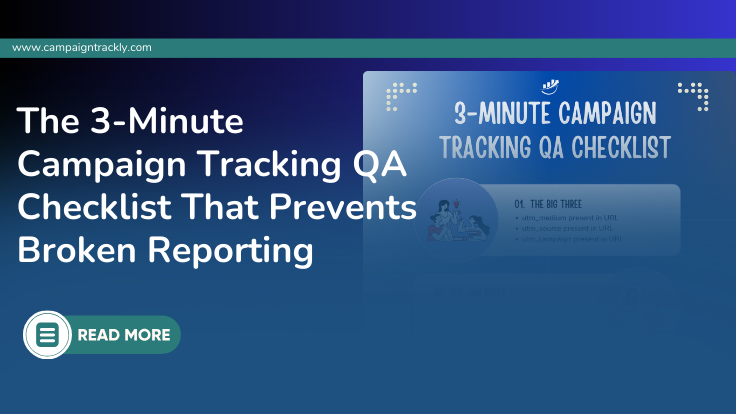
Before launching any campaign, run this 3-minute campaign tracking QA check to ensure your marketing data remains accurate.
Step 1 — Validate UTM Parameters
UTM parameters are the foundation of campaign attribution. If they are missing or inconsistent, analytics platforms cannot correctly categorize traffic.
Every campaign URL should include:
- utm_source
- utm_medium
- utm_campaign
Optional but recommended:
- utm_content
- utm_term
- utm_id (especially for paid media)
Example of a correctly structured campaign link:
https://example.com/landing-page?utm_source=linkedin&utm_medium=paid_social&utm_campaign=2026_q1_spring_launch
Common mistakes to avoid
- Missing parameters
- Duplicate or conflicting tags
- Incorrect capitalization
- Spaces or special characters
Example of problematic UTMs:
utm_source=Facebook
utm_source=facebook
utm_source=FB
Ensure utm_campaign naming is standardized
Using a consistent naming convention for utm_campaign across all marketing channels ensures reporting in analytics tools remains clean and comparable.
Example format:
utm_campaign = [year]_[quarter]_[campaign-name]_[objective]
How it looks in real life:
utm_campaign=2026_q1_product-launch_signup
utm_campaign=2026_q4_black-friday_sale
utm_campaign=2026_q2_new-feature-webinar_leadgen
Why Standardization Matters
If naming conventions are inconsistent, analytics tools treat them as different campaigns.
Example problem:
spring-sale
spring_sale
SpringSale
spring2026_sale
These will show up as 4 separate campaigns in Google Analytics, making it hard to:
- aggregate performance
- compare channels
- build accurate dashboards
- analyze ROI
These variations fragment campaign reporting and make attribution unreliable (See also: The 10 Silent Campaign Tracking Killers).
Recommended Rules
- use lowercase only
- use underscores or dashes to replace spaces that might break the URL
- avoid special characters
- follow the same structure every time
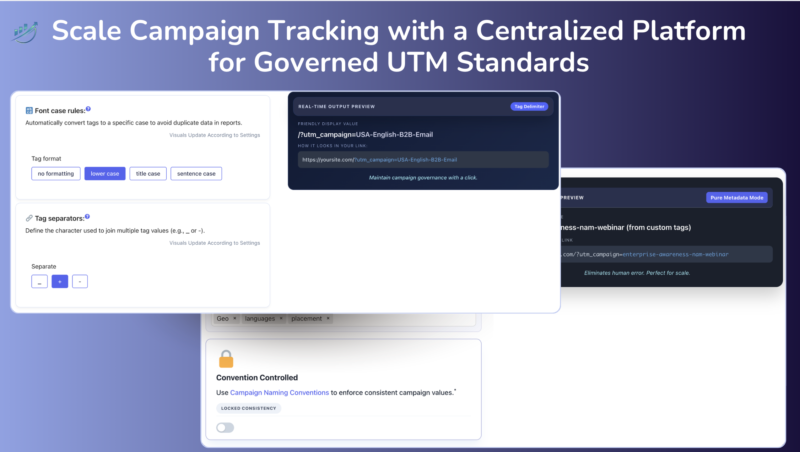
This image shows how CampaignTrackly helps teams enforce governed UTM Standards using automated rules in place.
Step 2 — Click the Tagged Link
Before launching a campaign, always click the tagged link once — even if you are 100% sure that you tagged the right destination landing page. Things happen: a page might get accidentally unpublished or renamed, or a tag value might cause the new URL to break.
Confirm that:
- the landing page loads successfully
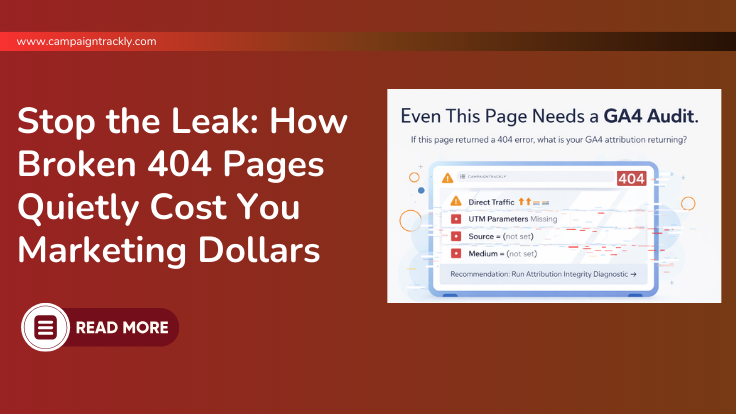
- the page does not return a 404 error
- redirects preserve UTM parameters — especially if you are using a shortener or a QR code
- the final URL still contains campaign metadata
Broken landing pages are one of the most common causes of wasted marketing spend (See also: How Broken 404 Pages Quietly Cost Marketing Dollars).
Step 3 — Confirm Channel Classification
Analytics platforms like GA4 categorize traffic using specific channel grouping rules.
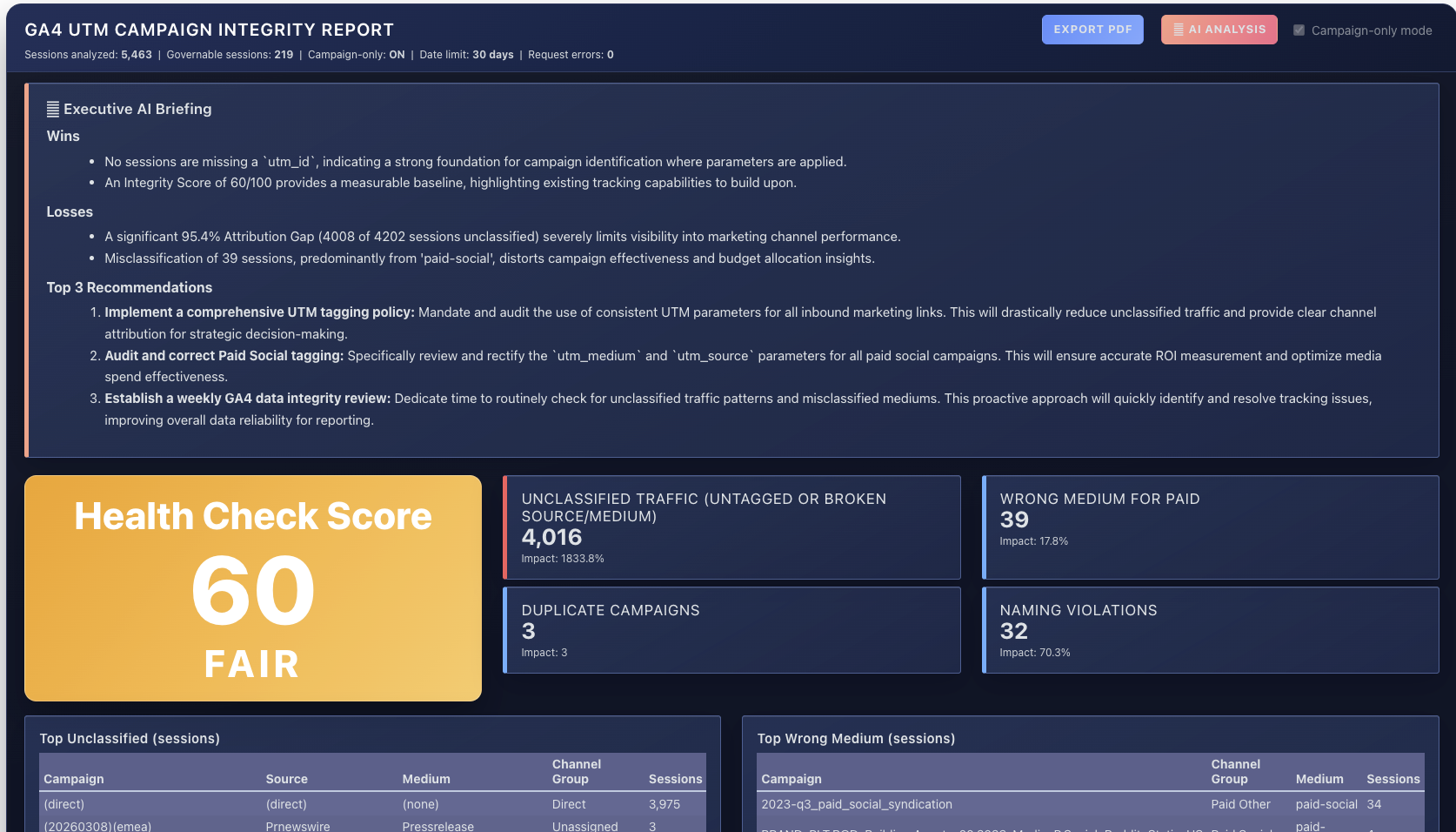
If UTM values do not match expected patterns, traffic may appear as:
- Unassigned
- Direct
- or the wrong channel
Make sure UTM values align with your GA4 platform analytics definitions.
Example:
utm_medium=cpc
utm_medium=email
utm_medium=paid_social
This ensures campaign performance is attributed correctly in reporting.
Final Thoughts
Campaign success depends on more than creative and targeting. Therefore, reliable campaign tracking is just as important as campaign execution.
In fact, a quick pre-launch check ensures that your analytics reflect true campaign performance — and helps marketing teams avoid costly attribution mistakes.
FAQ: Campaign Tracking and UTM Parameters
What causes unassigned traffic in GA4?
Unassigned traffic in Google Analytics 4 usually occurs when campaign parameters are missing or incorrectly formatted. If utm_source, utm_medium, or utm_campaign values do not match GA4 channel grouping rules, traffic may appear as Unassigned.
What are the most important UTM parameters?
The three essential UTM parameters for campaign tracking are:
- utm_source
- utm_medium
- utm_campaign
These identify where traffic came from and which campaign generated the visit.
In addition, optional parameters such as utm_content, utm_term, and utm_id provide more granular detail for campaign analysis.
Why is campaign tracking important?
Campaign tracking ensures that marketing teams can measure the performance of different channels and campaigns accurately. Without consistent tracking, analytics reports may show misleading data, making it difficult to evaluate marketing ROI.
How do you check if a campaign link is working correctly?
Before launching a campaign, you should:
- Verify the UTM parameters in the URL
- Click the link to confirm the landing page loads
- Ensure redirects preserve the tracking parameters
- Confirm analytics tools classify the visit correctly
This process helps prevent attribution errors.